
Review and Sync the Outbox
Use the Outbox to review work saved on the device while offline. Entries synchronize automatically after the device reconnects.
When and why: Check the Outbox whenever you are unsure whether your offline work has synchronized, or before ending a shift where you worked without a network connection.
To review rounds created or changed offline:
-
Tap Outbox.
Figure 1. Offline Outbox 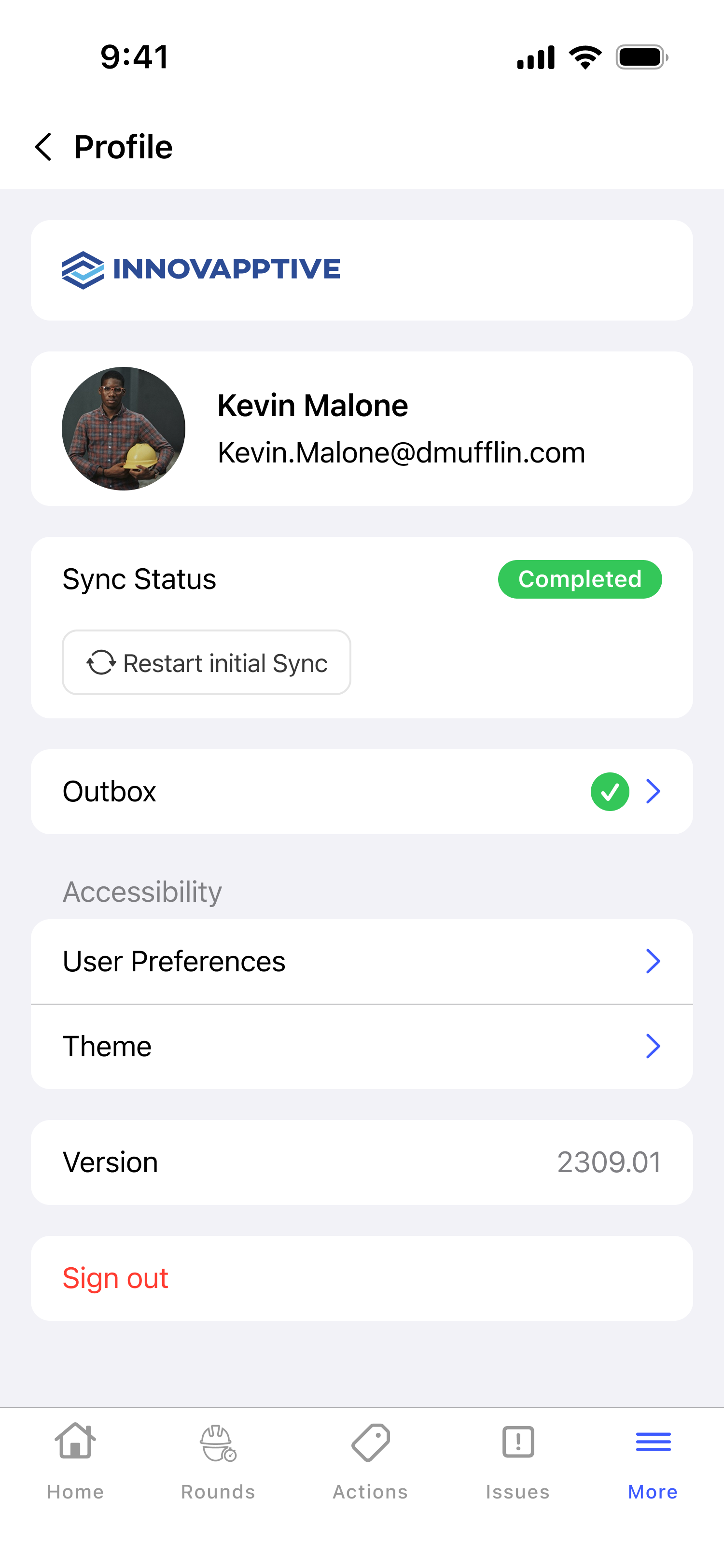
You can confirm which of your offline rounds are still pending sync and which have already reached the server.
When the action is unavailable: If an entry stays pending after connectivity is restored, see Review an Entry Waiting to Synchronize.
Next: Return to Find Your Way Around the App and open the work for your shift.