View User Profile
Open your User Profile to review account information and reach the preferences that control data synchronization and app behavior.
Sign in to the mRounds mobile application.
To access and view the User Profile screen:
-
Tap the User Profile
 icon on top
left.
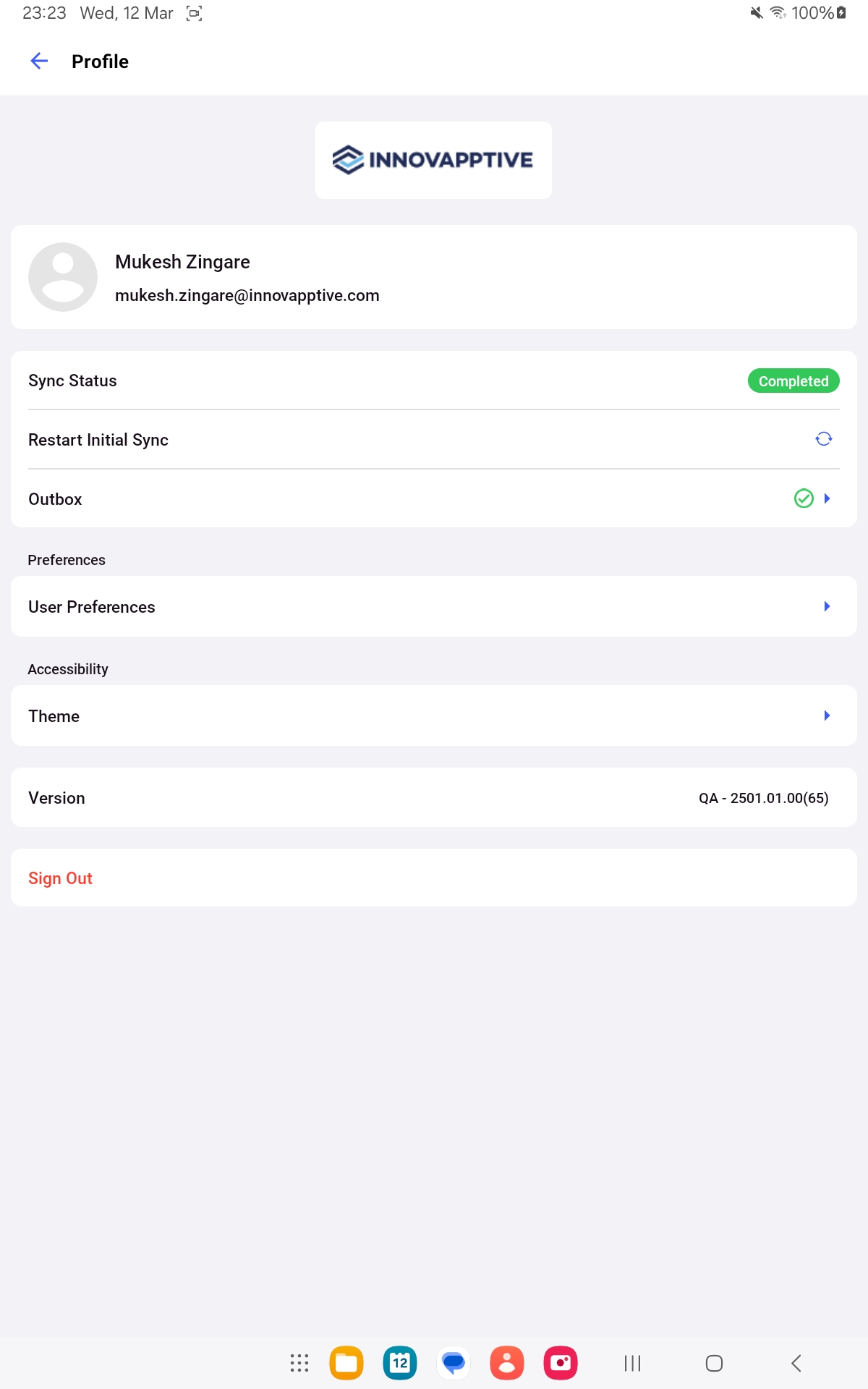
The User Profile screen is displayed with the following details:
icon on top
left.
The User Profile screen is displayed with the following details:- Photo
- Full Name
- Eemail address
- Sync Status
- Restart Initial Sync
- Outbox
- User Preferences
- Theme
- Version
- Sign Out
Figure 1. User Profile Screen