Archive a Round Plan
Archive an inactive round plan to remove it from normal working views without permanently deleting its record.
To archive a round plan:
-
Click the More
 icon and select Archive for the round plan to archive.
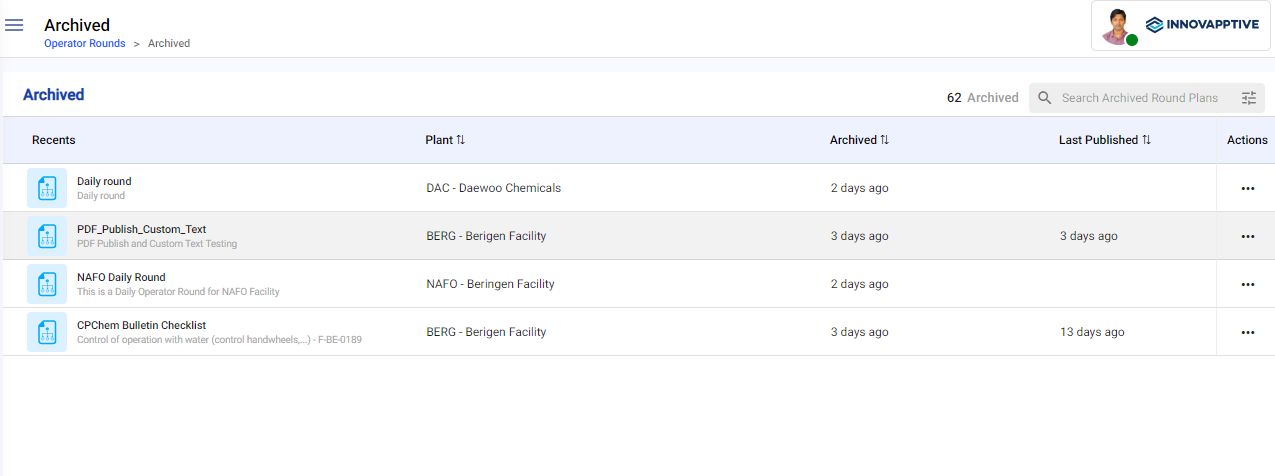
The round plan is archived and is displayed in the Archive screen.
Figure 1. Archived Screen