
Archive Round Templates
Archive a template when it should no longer be used for new plans. Restore it if needed later or delete it only when permanent removal is appropriate.
To archive a round template:
-
Click the More
 icon and select Archive for
the round template that you want to archive.
icon and select Archive for
the round template that you want to archive.
The round template is archived and is displayed in the Templates tab in the Archived screen.
Figure 1. Archived Templates 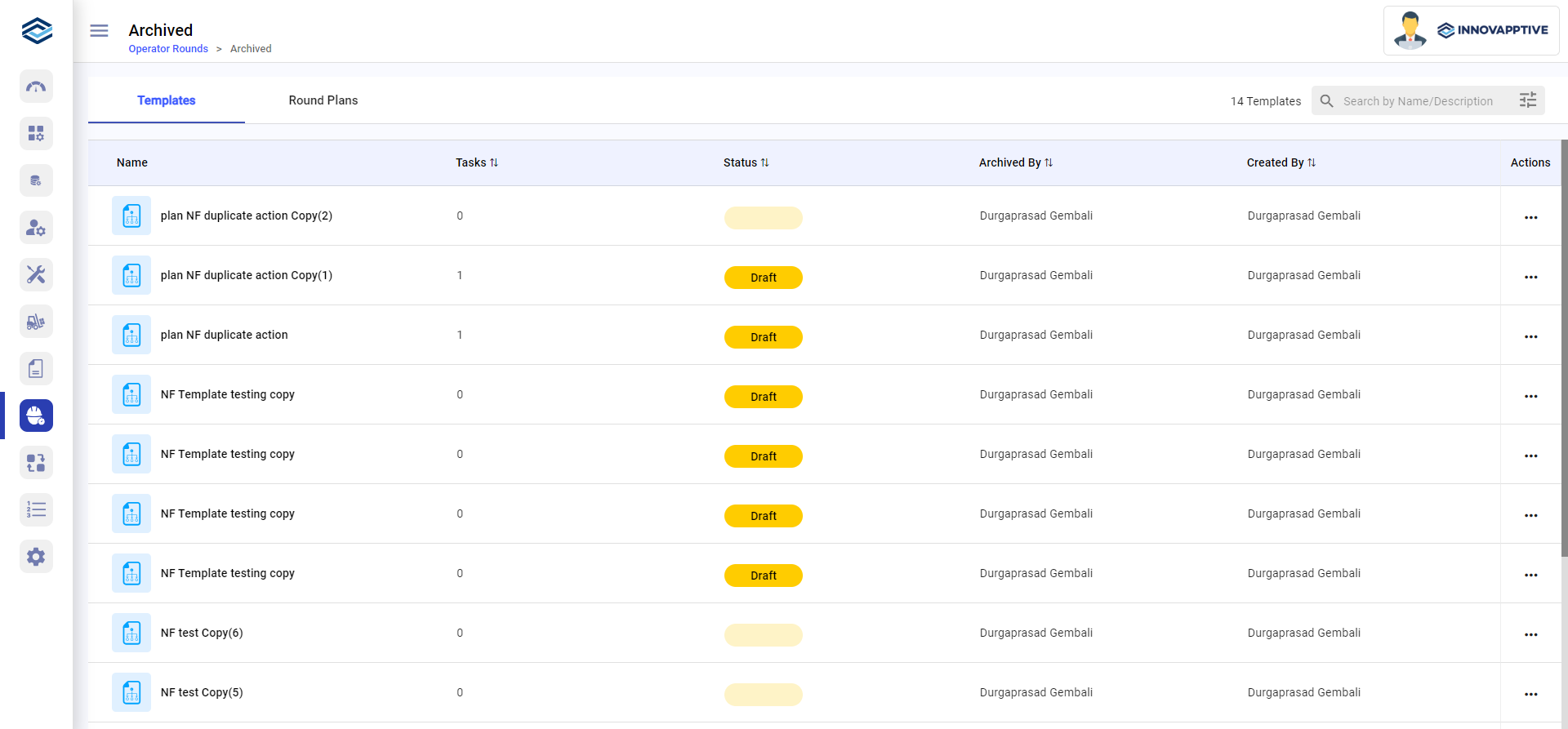
In the Templates tab, click the More
icon
and select Restore to restore the template or select
Delete to permanently delete the template.