
Choose Language
Select the supported language and regional formats used by the application.
Use localization settings to display supported labels, messages, and regional formats in your preferred language.
To choose a language:
-
Tap Localization and select Language.
Figure 1. Localization Screen 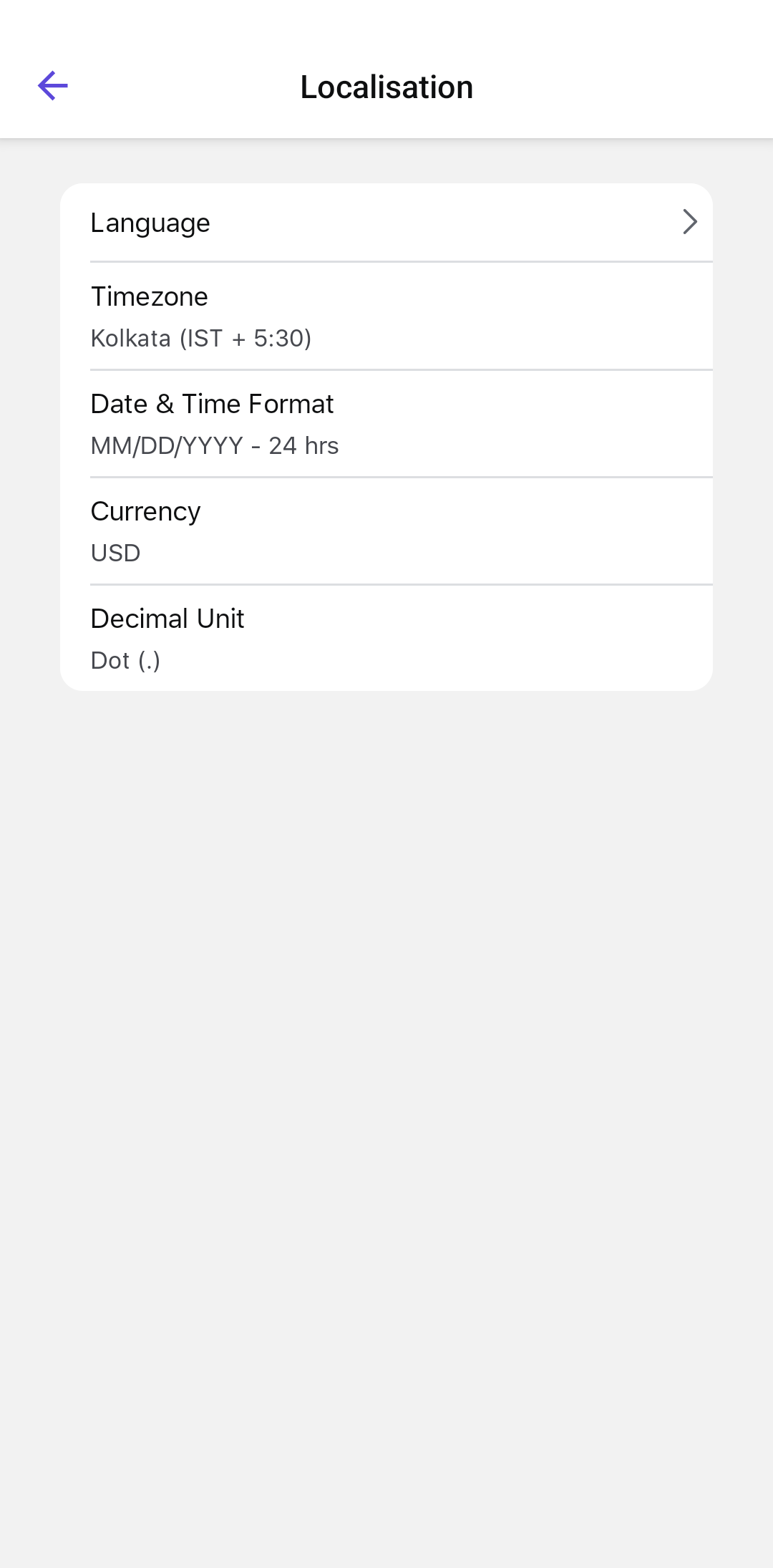
The application displays supported labels, messages, and regional formats using the selected localization settings.