
Switch between Dark and Light Modes
Change the application theme to match your lighting conditions or device preference.
Use the theme setting to improve visibility in different lighting conditions.
To change the mode or theme:
-
Navigate to the More
screen and open
Settings.
Figure 1. Settings Screen 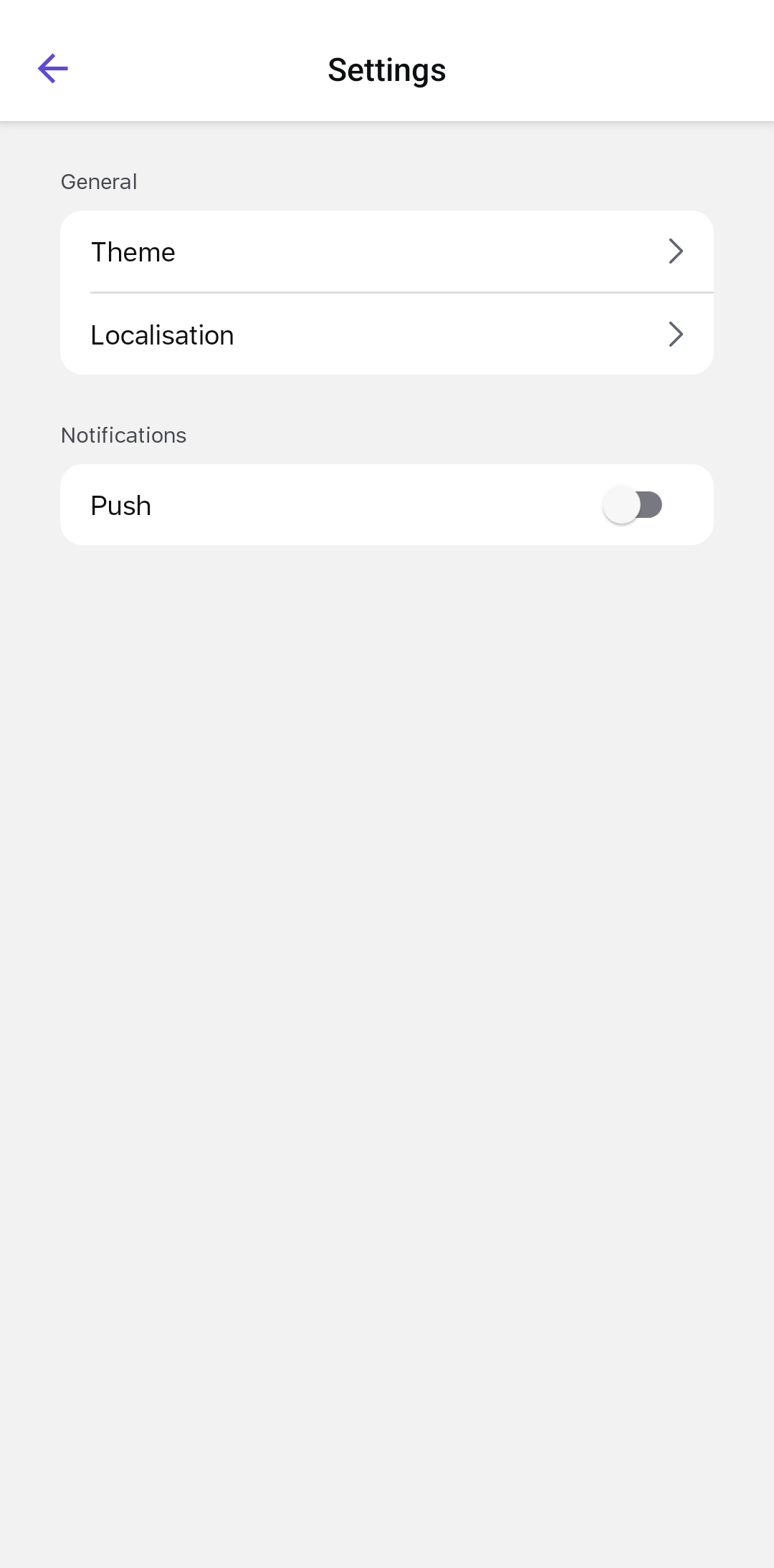
-
Tap Theme and select the preferred mode.
Figure 2. Themes Screen 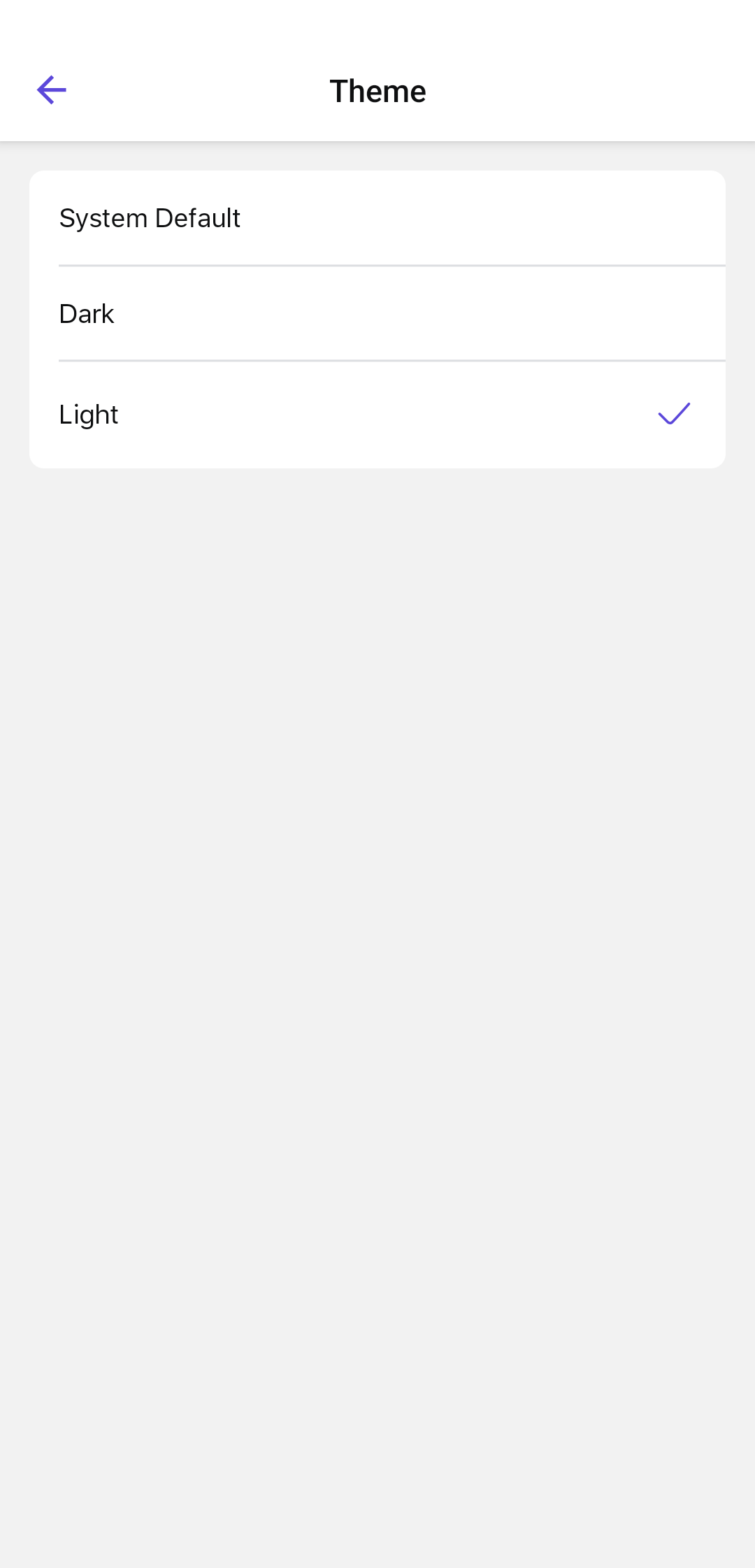
- System Default: Uses the device or operating-system light or dark setting. This option is selected by default.
- Light: Uses a light color scheme.
- Dark: Uses a dark, low-brightness color scheme.
The selected theme is applied across the application.