
Access Help Center
Access the Help Center to view FAQs and user guides for using the application.
To access the Help Center:
- Navigate to the More screen and open the Help Center.
Figure 1. Help Center 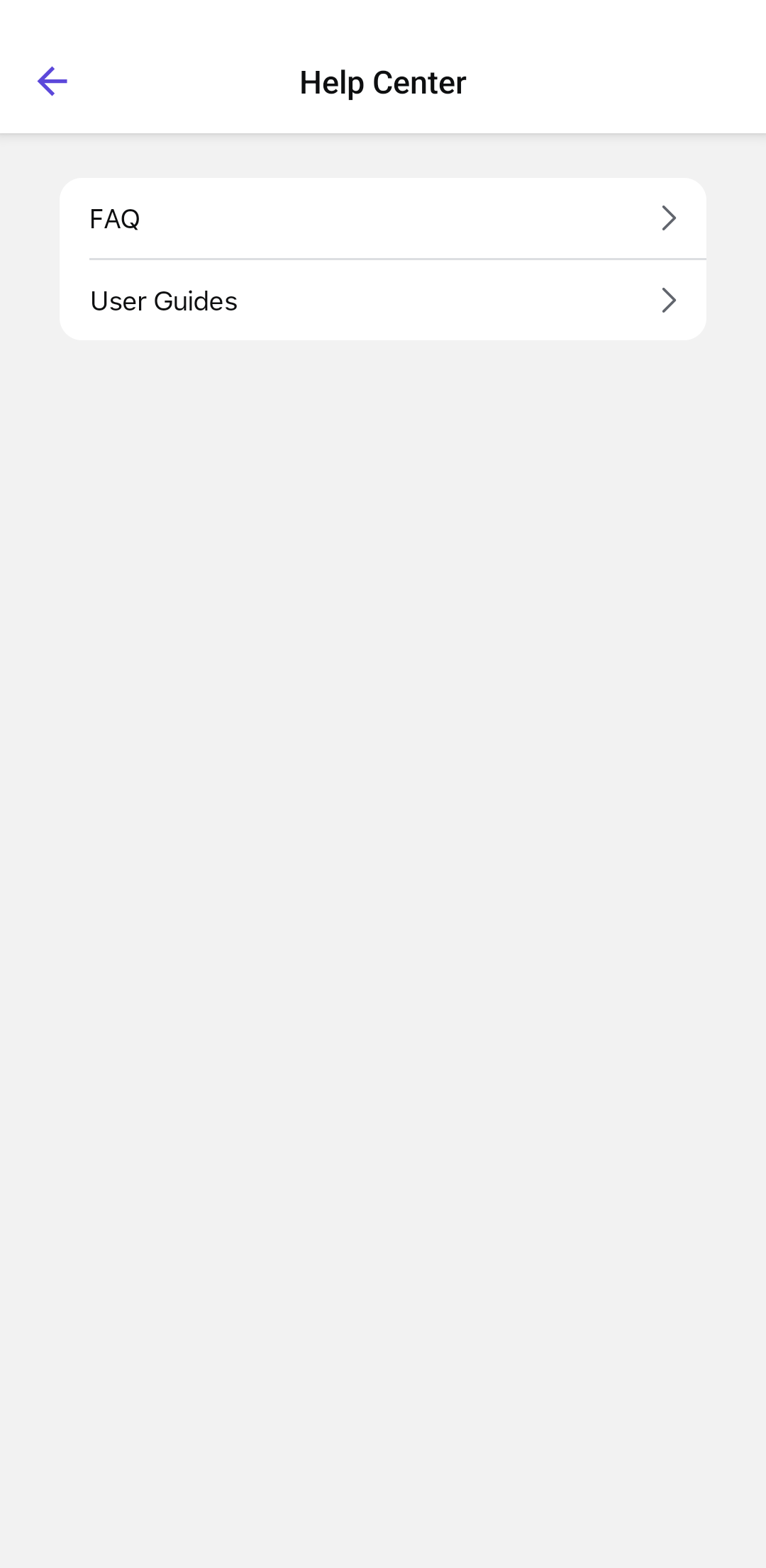
The Help Center provides two main topics:- FAQ – Frequently Asked Questions related to different modules.
- User Guides – Detailed guides on using various features.
- Tap FAQ to view common questions and solutions.
- Use the search bar at the top to find specific topics.
- Browse the categories, such as General, Work Orders, Dashboard, Getting Started, and Issues. Tap on a topic to view more details.
- Tap User Guides to access detailed instructional content.
- Navigate through guides to learn more about app features.
The Help Center opens with the available product documentation and support resources.