Log in to iPermits Web Application
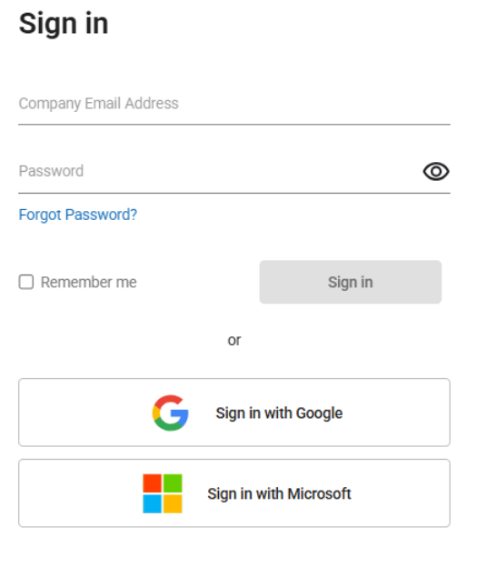
Log in to the iPermits application securely using a standard login procedure which involves entering a company or domain, username, and password.
To log in to the web application:
- Open a supported web browser and navigate to the URL provided by your organization.
- Enter your Email address and Password provided by organization or single sign-on (SSO) details.
-
Click Sign In to access the home page.
Figure 1. Enter Username