
Scan Permit Using QR Code
Scan a QR code from a printed or digital permit to quickly access and open the permit in the mobile application without manual search.
To scan the QR code:
- Open the iPermits mobile application.
-
Use the scanner functionality available in the app.
Figure 1. Scan Permit 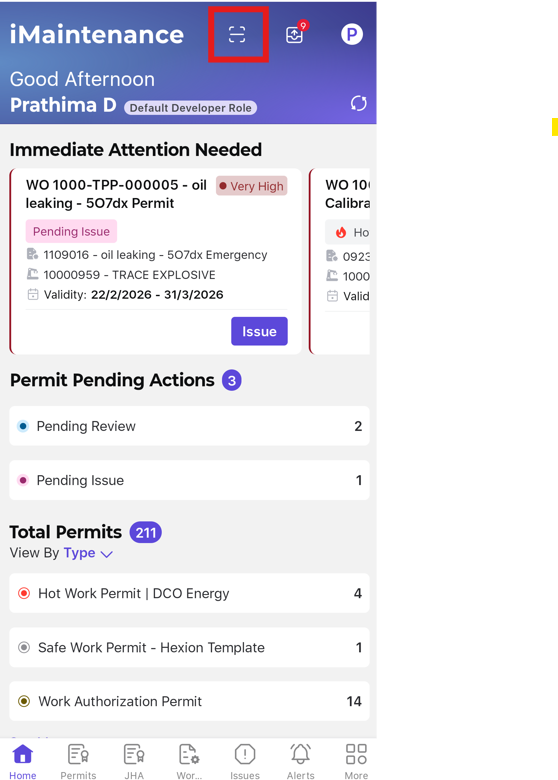
-
Scan the QR code displayed on the permit.
The permit opens directly in the application, allowing you to view details and proceed with actions such as acknowledgement or execution.
Note:QR code is available in the permit PDF generated from the Web application after the Authorization stage.Note:QR Scan access depends on the permissions assigned to your role:- If you don't have any QR Scan permission, the scanner option won't appear on your Home screen.
- With View permission, you can see permit details via QR Scan but can't acknowledge
- With Add Acknowledgement permission, you can acknowledge the permit directly from the QR Scan workflow.