
Assign Picker to Technician
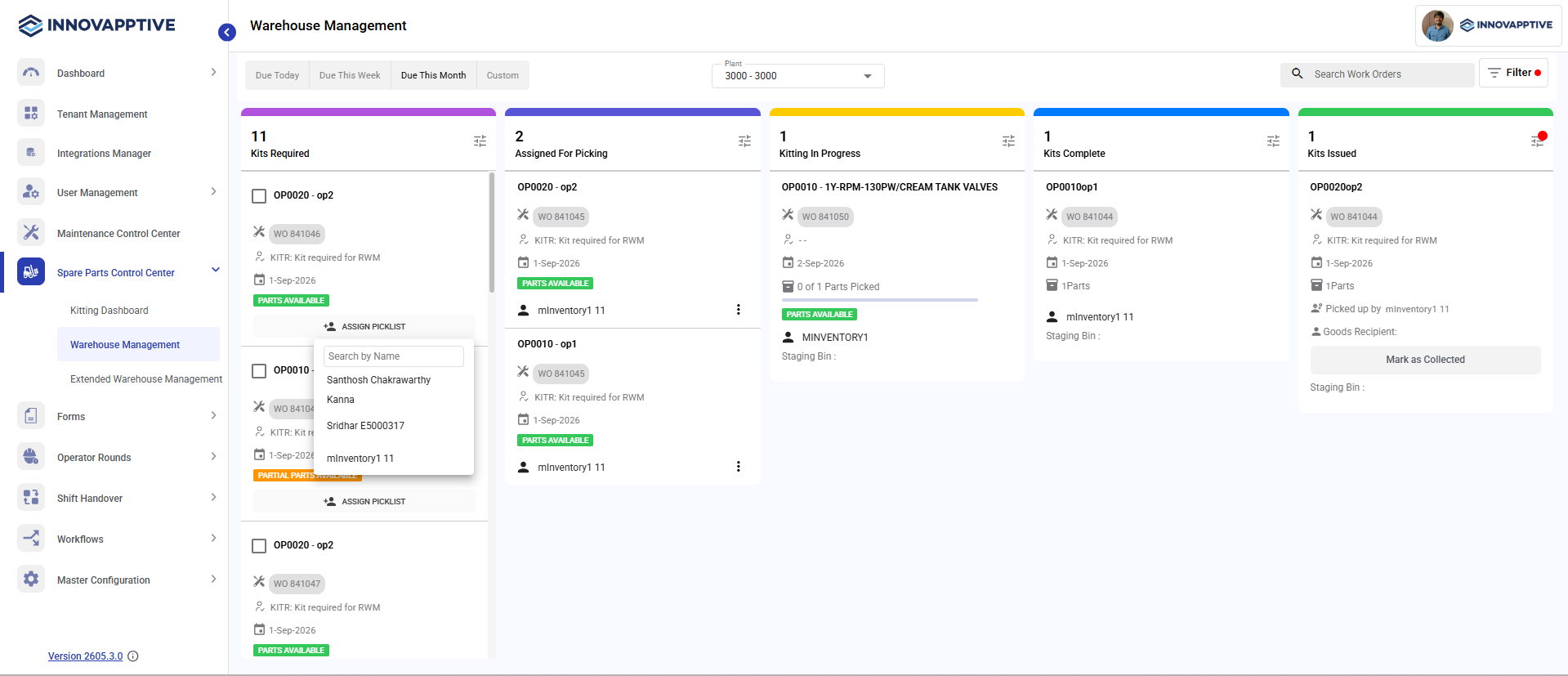
You can assign a picker to the technician for a work order to start picking the material. Work orders that meet the configured kitting criteria are moved to the Kits Required queue for picker assignment.
To assign a picker to technicians:
-
In the Assign To window, select the technician and click OK.
The picklist is assigned to the technician and the work order moves to the Assigned for Picking state. The material is now ready for picking or staging.
 Work orders are either marked Collected or Not Collected and filtered by collection status. Non-stock materials automatically move to Kits Complete after Goods Receipt and can be manually moved to Kits Issued.
The picklist is assigned to the technician and the work order moves to Assigned for Picking.