
Work Offline
Use offline mode when your route has poor or no connectivity. Synchronize first so the assigned rounds and required data are available on the device.
When and why: Offline support matters most before you head into areas with no signal. Confirm your data is ready before you go.
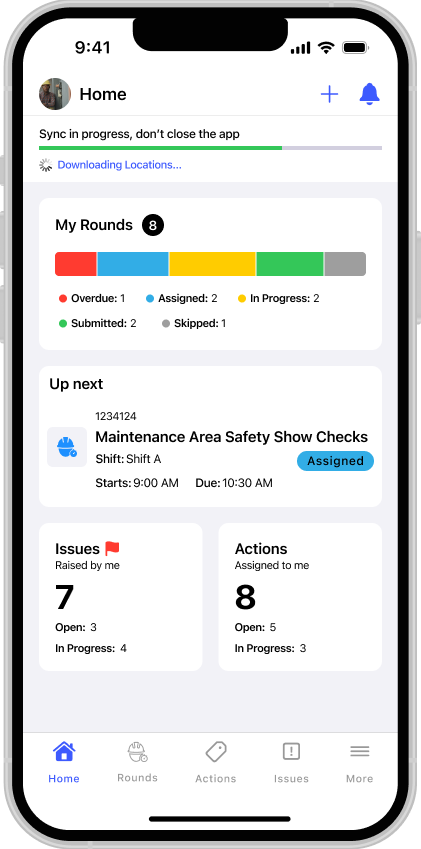
When you sign in, the app downloads the rounds and task guidance assigned to you. Recording responses against a round you have already downloaded works offline. Not every capability behaves the same way offline — see the Offline Capability Matrix before relying on a specific feature (such as attachments, Issues, Actions, or submission) in an area with no signal.
Work Instructions associated with allocated rounds are also downloaded for offline use.
Once your device reconnects to the internet, changes recorded offline sync to the server.
Next action: Review anything waiting to sync in your Outbox. See Review and Sync the Outbox.