
View a Submitted Round as a PDF
Open a submitted round as a PDF when you need a readable record of completed tasks, readings, exceptions, and supporting information.
To view a submitted round in PDF format:
-
In the Round Details screen, tap Show
Round.
Note:Tap the More
 icon in the top-right corner to download
the PDF or share the PDF.
icon in the top-right corner to download
the PDF or share the PDF. -
Tap the PDF View tab.
The message PDF Generated Successfully appears, and the submitted round opens in PDF format.
Figure 1. View Round in PDF Format 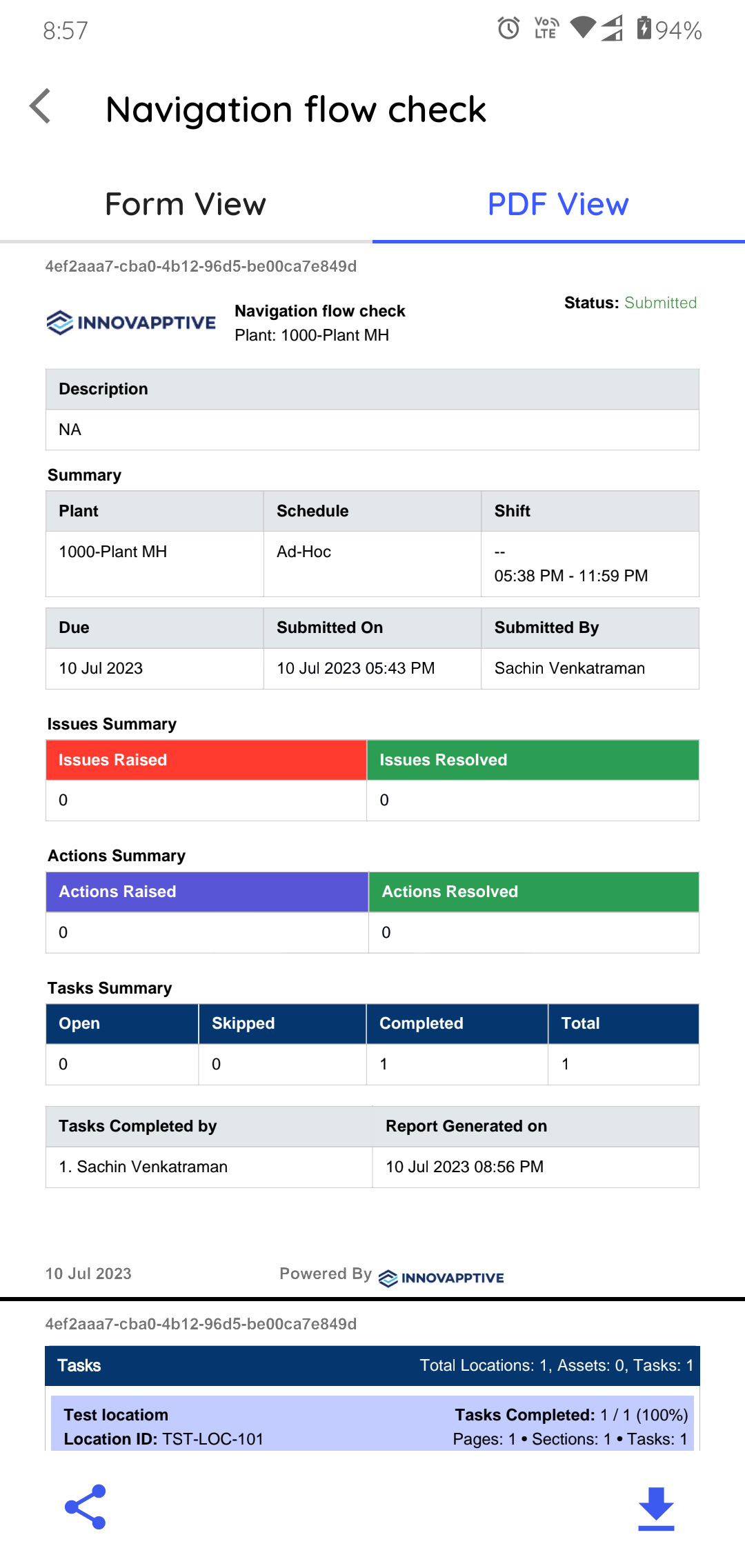
Next:Share the PDF when a stakeholder needs the completed record; otherwise return to your remaining rounds.