
Modify a Scheduled Round Plan
Modify a future schedule when shift timing, assignment, frequency, or operational requirements change. Review the effect on future generated rounds.
To modify the schedule of a round:
-
Click
 and select Modify
Schedule for the scheduled round to modify.
and select Modify
Schedule for the scheduled round to modify.
-
Click Schedule to reschedule after modifying the round
schedule.
Figure 1. Modify Schedule 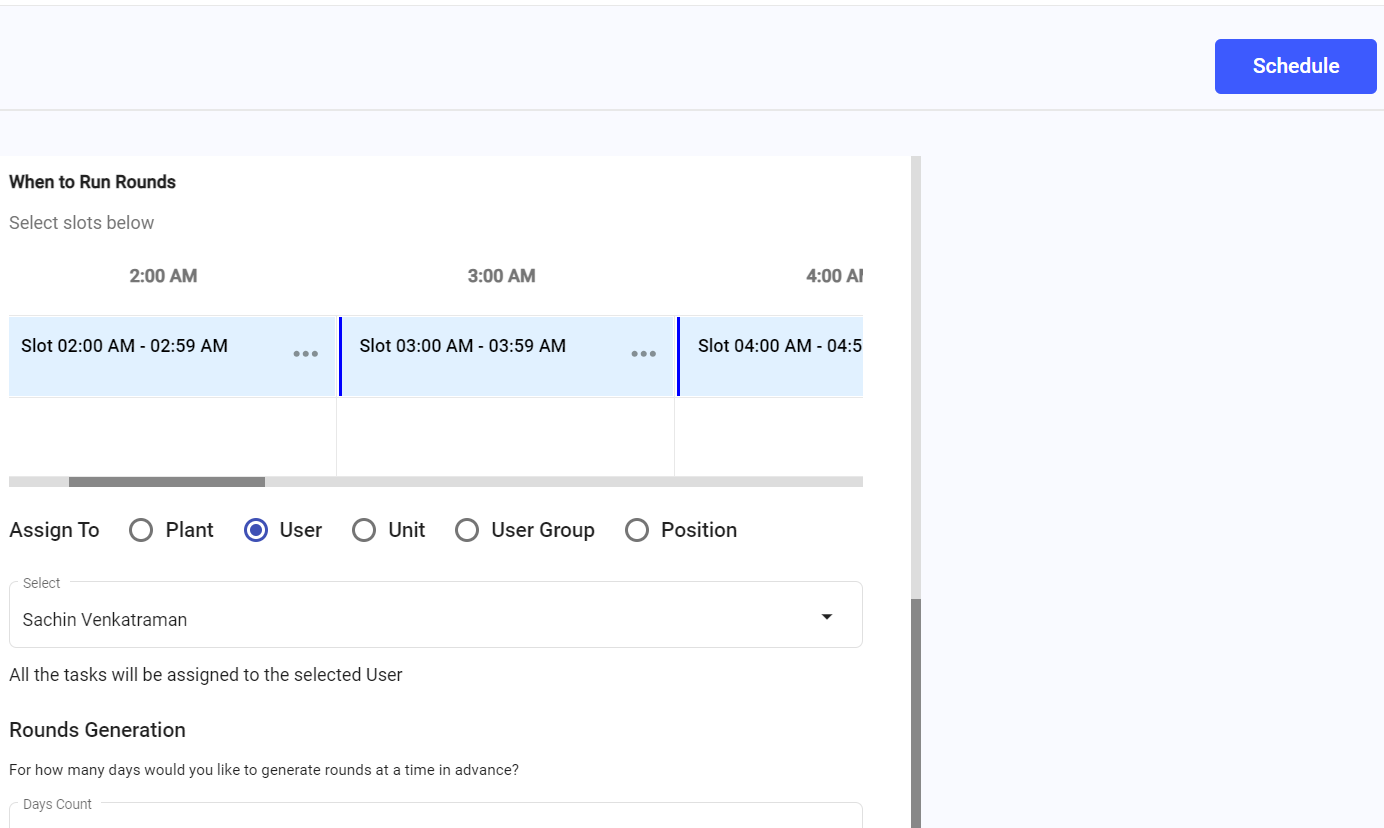
The updated schedule is saved.
Next:Monitor future generated rounds under the updated schedule.