
Log in to the iMaintenance Application
Log in to iMaintenance by entering your company domain, username, and password.
To log in to the application:
-
In the Welcome screen, accept Terms and Conditions and
tap Proceed to Sign in.
Figure 1. Welcome Screen 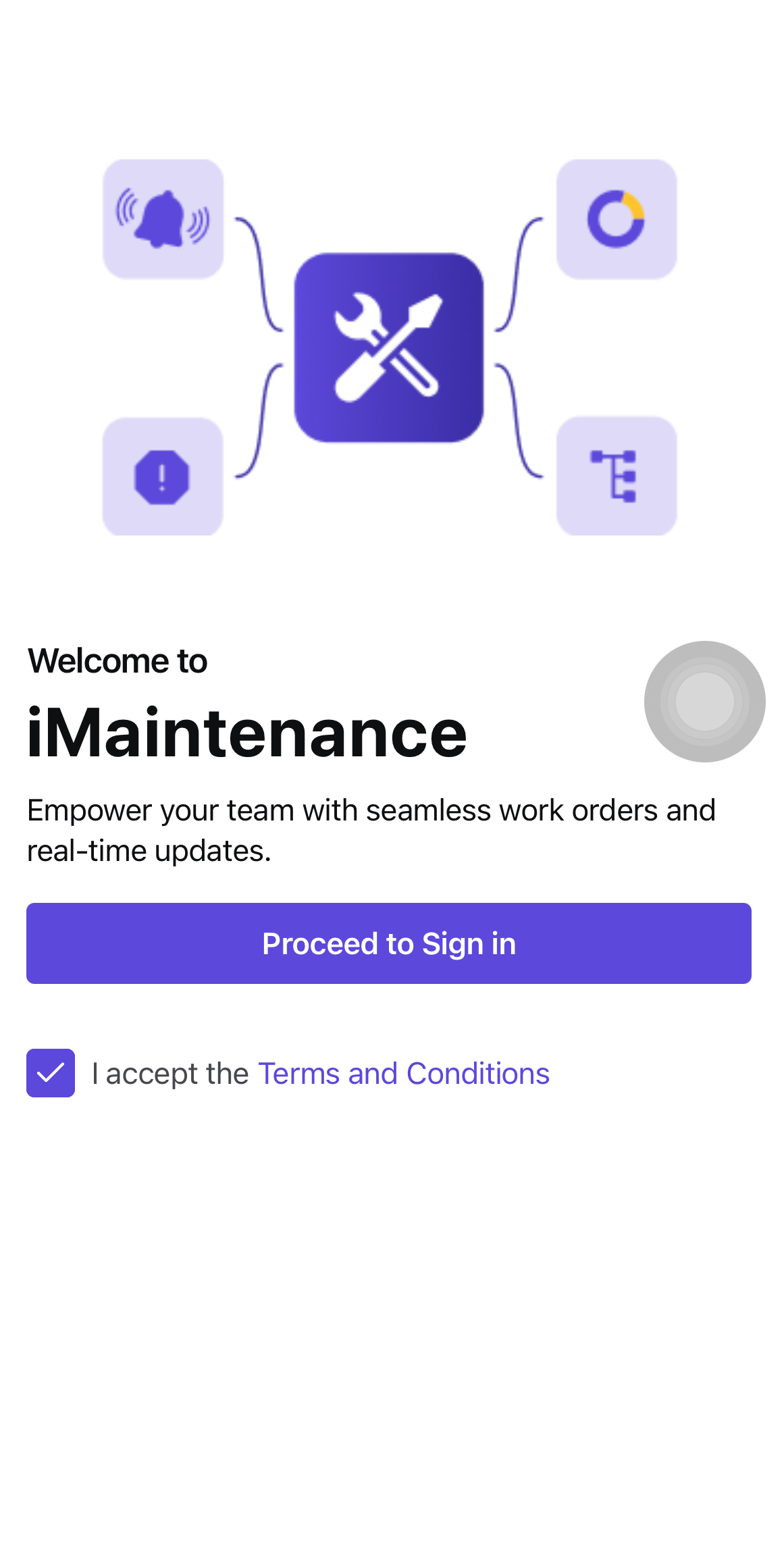
-
In the Domain screen, enter the company domain and tap
Next.
Figure 2. Domain Screen 
-
In the Sign in screen, enter Email
ID and Password and tap Sign
in.
Figure 3. Sign In Screen 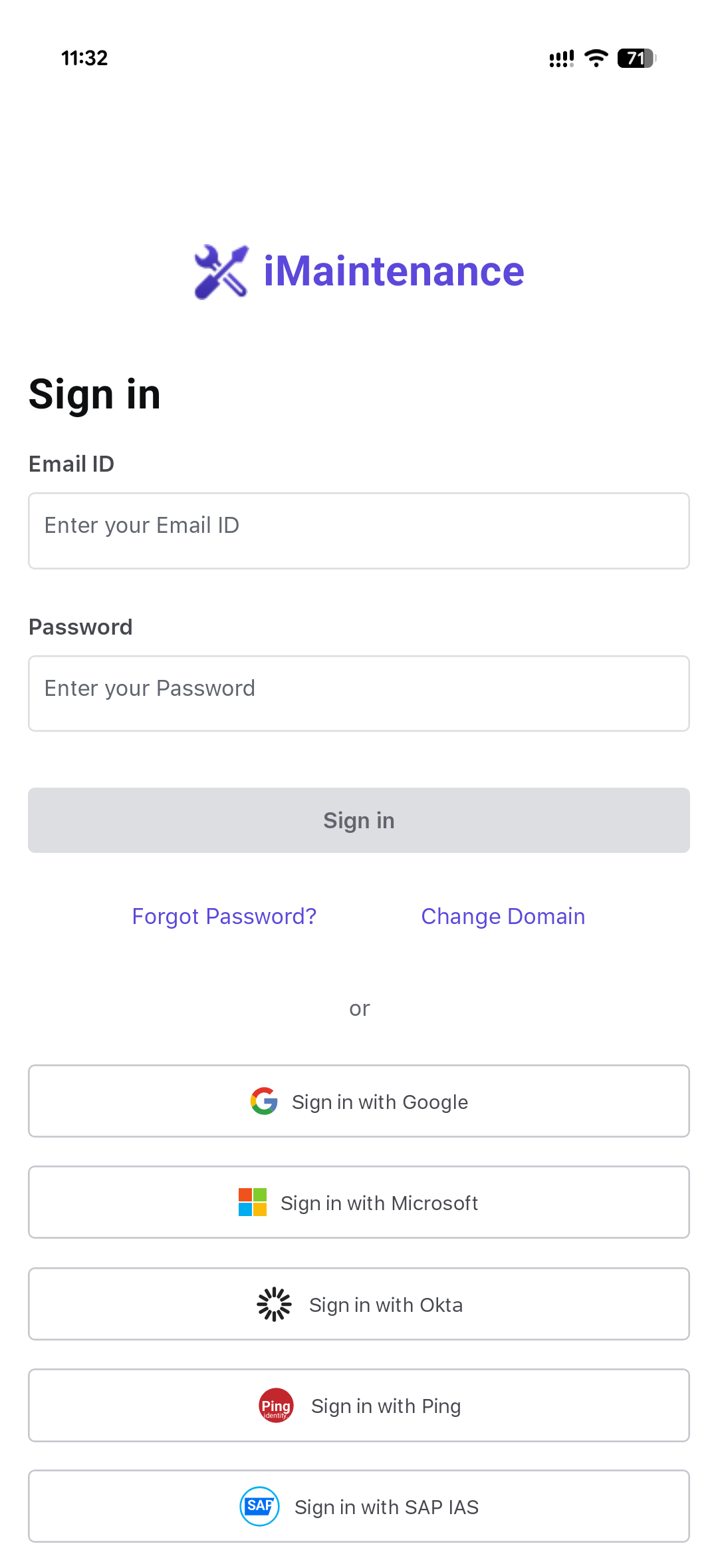
You are authenticated and the application begins the configured synchronization process.
On first use, create the device passcode and enable biometric access when available. Otherwise, continue to the Dashboard.