
Create Passcode
The application prompts you to create a passcode on first login for faster sign-in on future visits.
To create a passcode:
-
Re-enter the same number in the Confirm Passcode
screen.
Figure 1. Create Passcode Screen 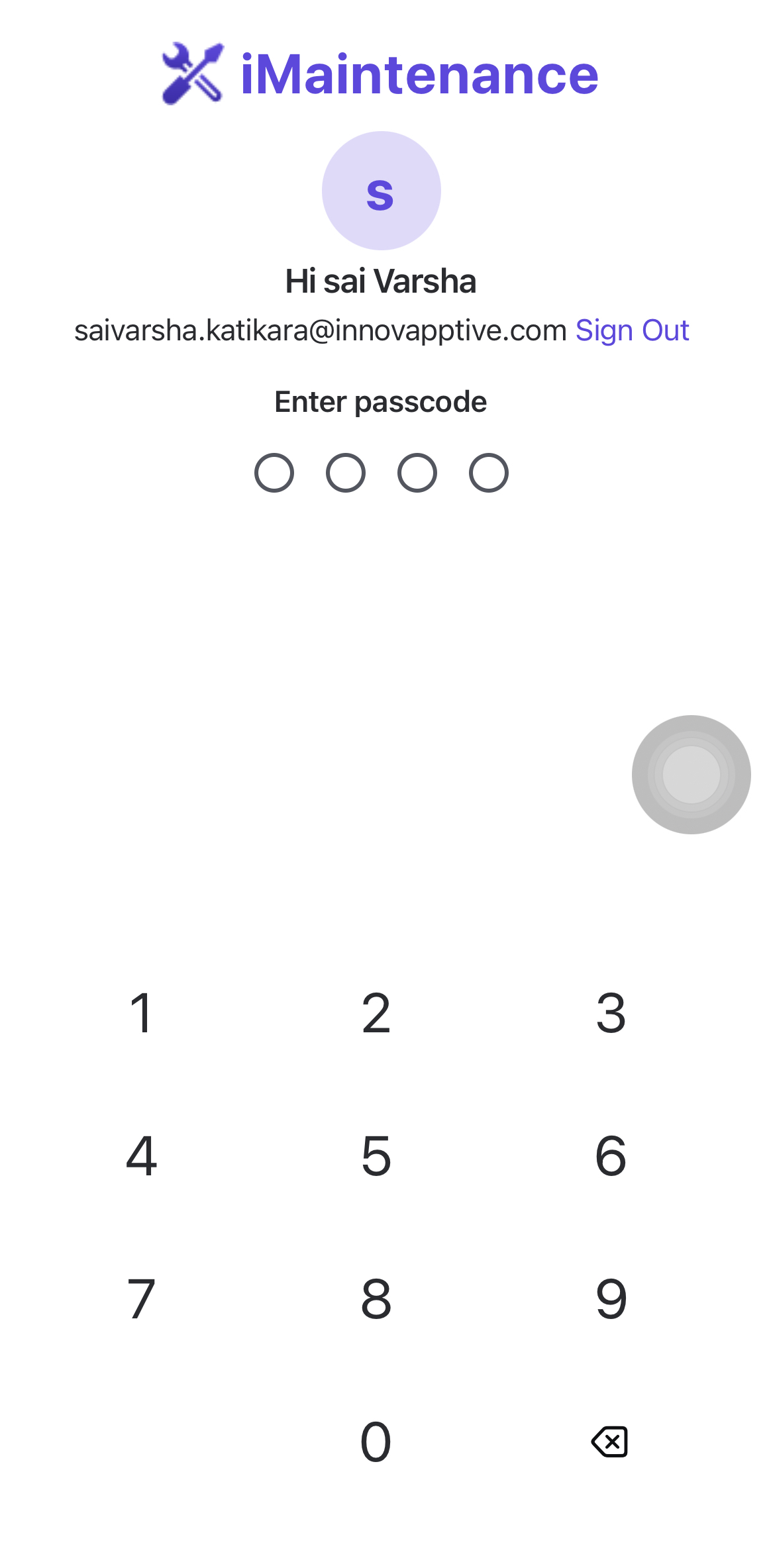
Note:- The passcode is device-specific. If you use a new device, you must create a passcode for that device again.
- If you share the device with other users across shifts, set a new passcode after each sign-out to keep your session secure. You must also set a new passcode whenever you reinstall the application.
- If you forget the passcode, you must reinstall the application and create the passcode again.
The passcode is created and can be used for subsequent access on the device.
Enable biometric access when available, or continue to the Dashboard.
Next: enable biometric access when it is available on the device.