Configure Permit List View
You can personalize the Permit list view by choosing which columns are visible, helping you focus on the information that matters most to you.
To configure the view:
- Navigate to EHS → Authoring from the left navigation panel.
- Go to the Permit tab.
- Click the More options (⋯) icon next to Create Manually.
-
Select Column Configuration.
Figure 1. Configure Permit List 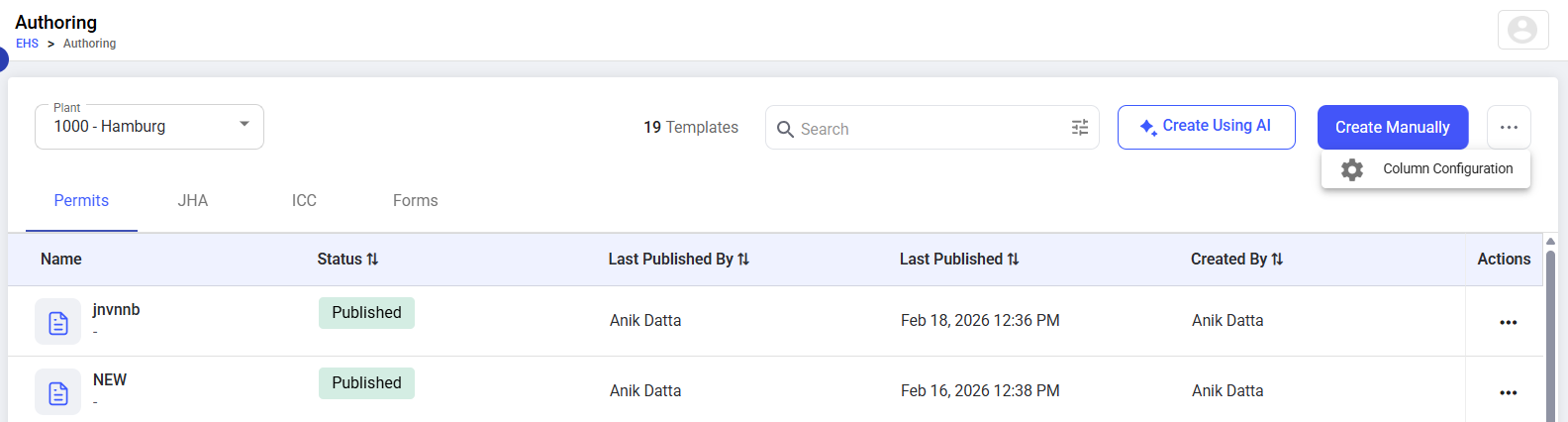
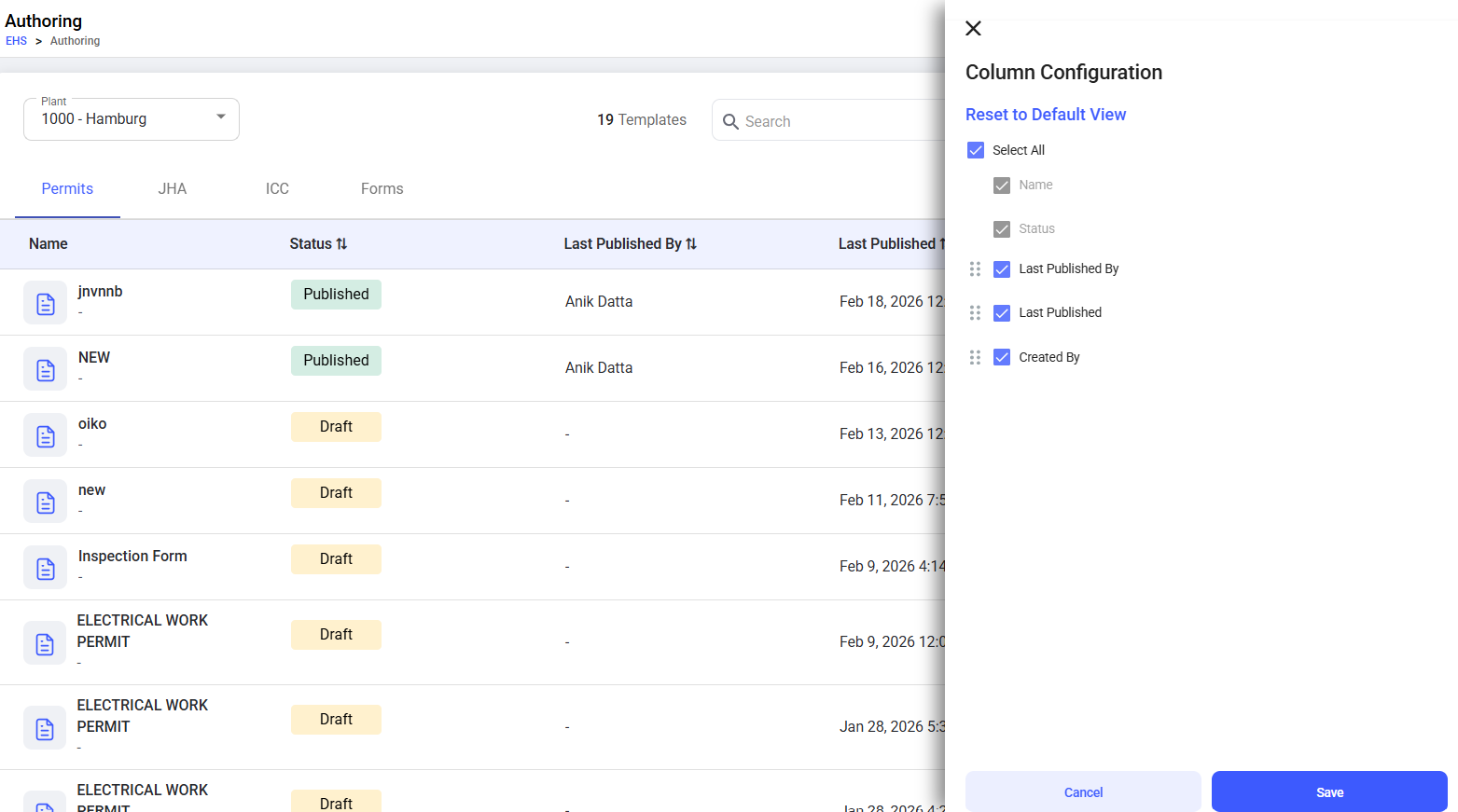
- Select or clear the columns you want to display (for example, Name, Status, Last Published By, Last Published, Created By).
-
Click Save to apply the changes.
Figure 2. Column Configuration