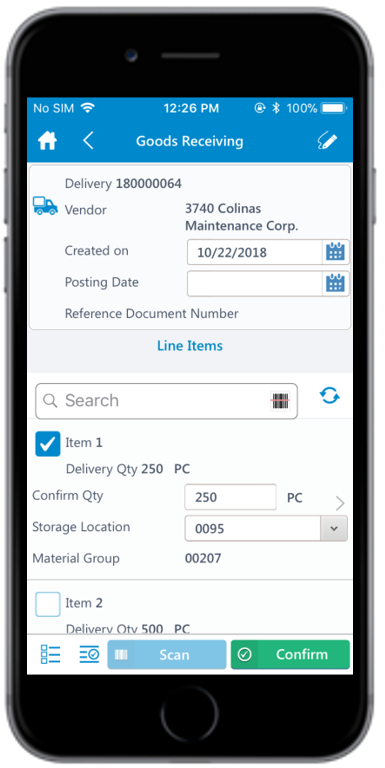
Record Movement of Goods into Warehouse Using an Inbound Delivery
Inbound Delivery refers to all incoming goods into the warehouse. Goods enter a
warehouse either when they are delivered by a vendor or when a customer returns or rejects a
delivery of an item.
To record movement of goods into warehouse using an inbound delivery:
In the Home screen, tap Goods Receiving.
Tap the Reference Document drop-down and select Inbound Delivery.
Tap Search.
In the search results screen, you can:
Tap the Search field to search the inbound delivery document.
Tap the Scan icon to scan the material for which an Inbound
Delivery is generated.