
Log in with Standard Credentials
Use your registered user credentials to sign in when your organization uses the standard mRounds authentication flow.
Have the application URL and your sign-in credentials ready.
-
Enter your User ID (Email, Phone, or Skype).
Note:Use the Email address that is registered with the Tenant IDP.
Figure 1. Sign in Screen 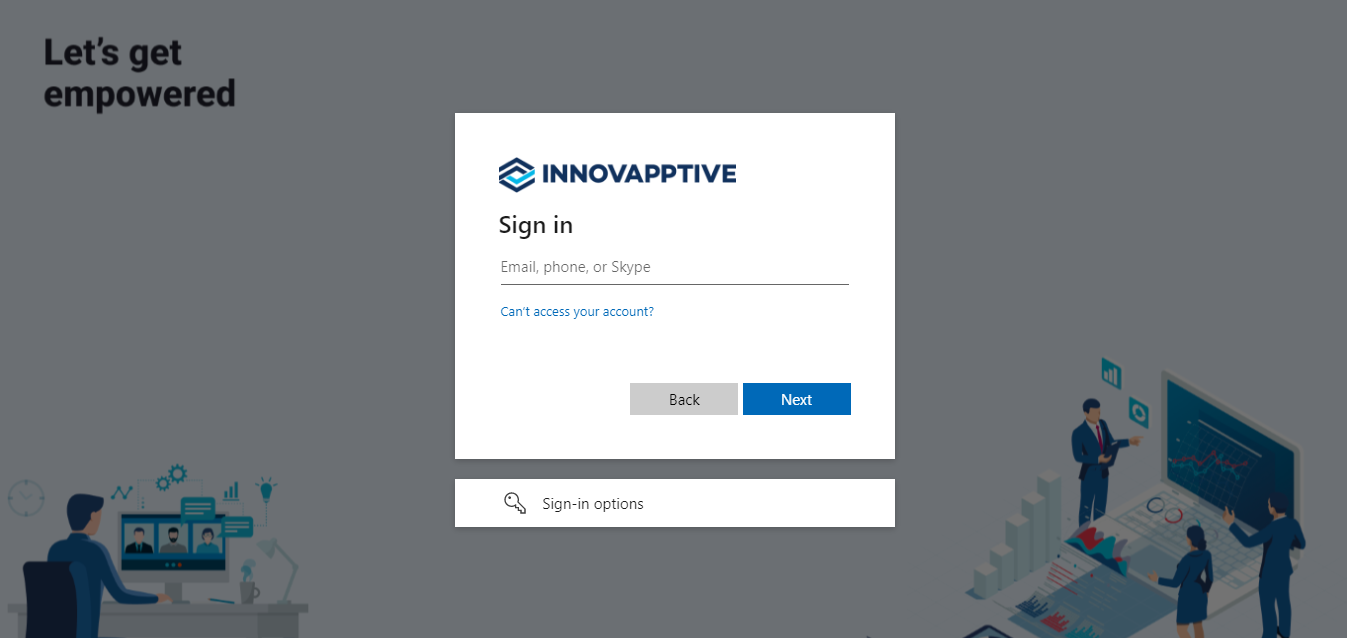
You are signed in and the home screen opens.