
Create an Ad Hoc Round
Create an ad hoc round when an unplanned inspection is needed and an approved round plan is available. This lets you respond without waiting for a scheduled round.
To generate an ad hoc round:
-
Tap the Open Rounds tab.
Figure 1. Round Plans Section 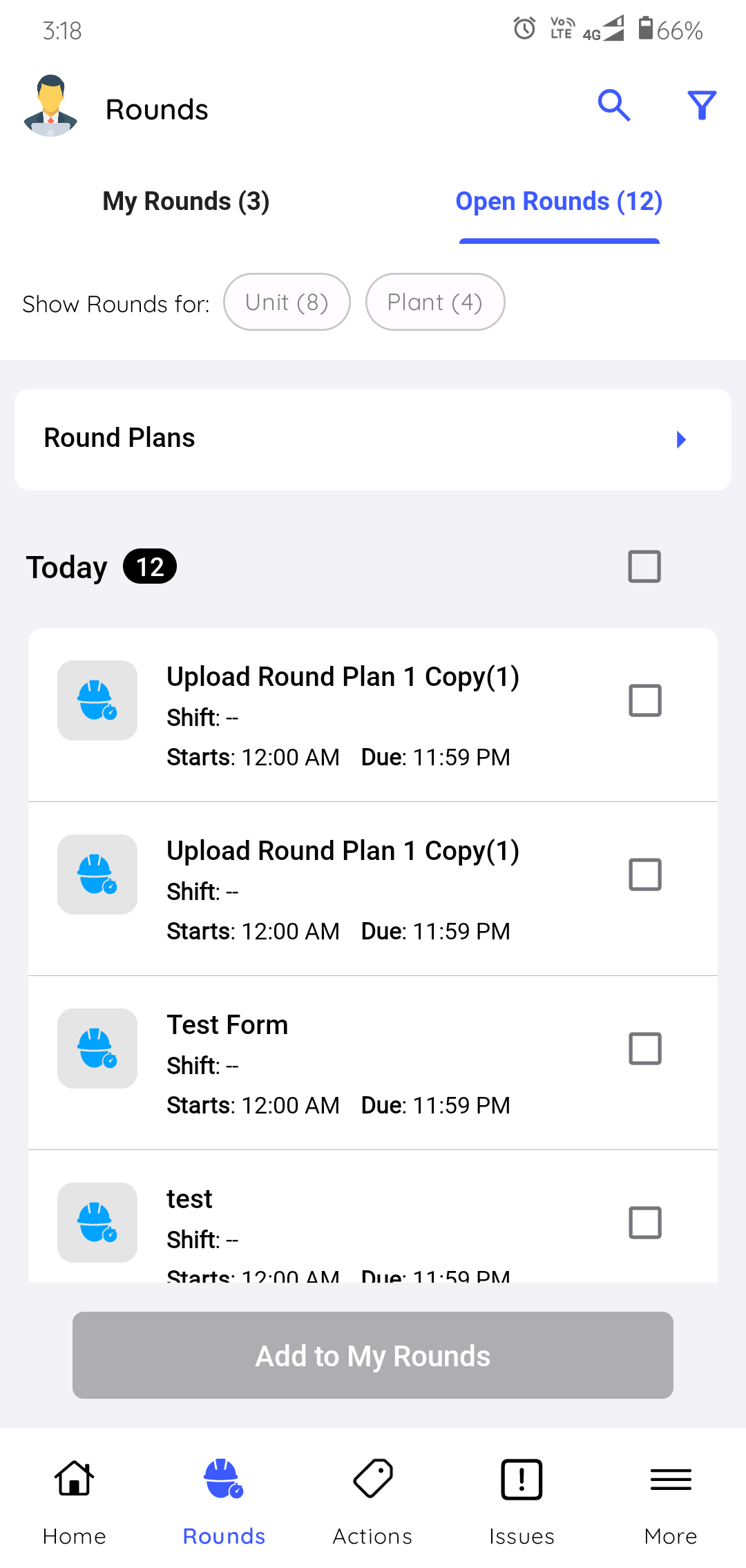
-
Choose the pre-defined round plan template that matches what you need to
check.
For example, if you find a pressure anomaly, choose the round plan template with Pressure Value tasks.
Figure 2. Select Round Plan 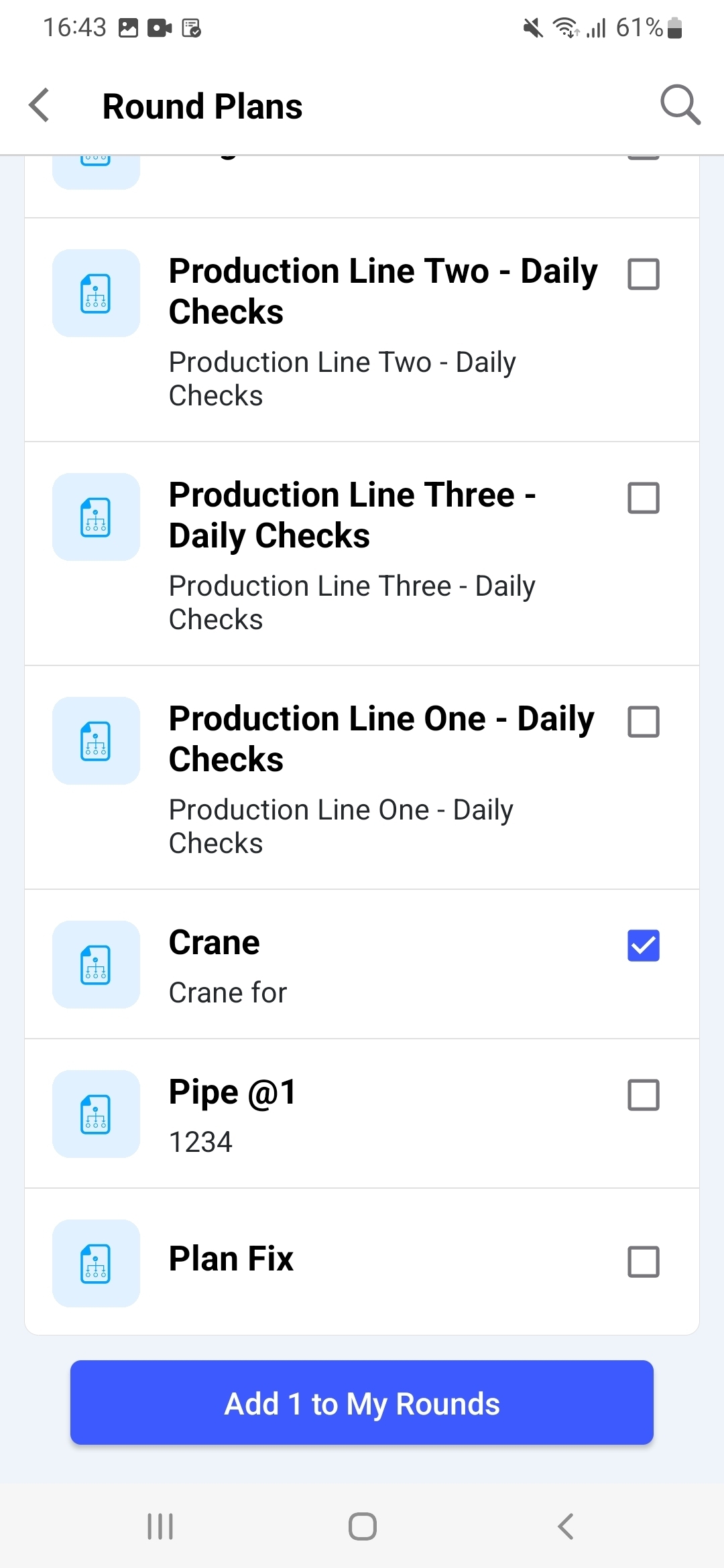
The round is added to My Rounds with Assigned status. It remains active until you submit it or it becomes overdue, and you execute it like any other round plan. Ad hoc rounds created on mobile are also visible to your supervisor in the Rounds tab of the web Scheduler screen.
Next: Open the generated round from My Rounds and execute it like other assigned work.