
Assign an Open Round to Yourself
Assign an open round to yourself when your Supervisor has made it available for self-assignment. The round then appears with your assigned work.
To self-assign a round:
-
In the Round Details screen, verify the details and tap
Add to My Rounds, or tap Start
Round to assign it to yourself and remove it from Open Rounds for
other operators.
Note:To assign several rounds to yourself at once, select the checkboxes next to the rounds and tap Add to My Rounds.
Figure 1. Self-assign Rounds 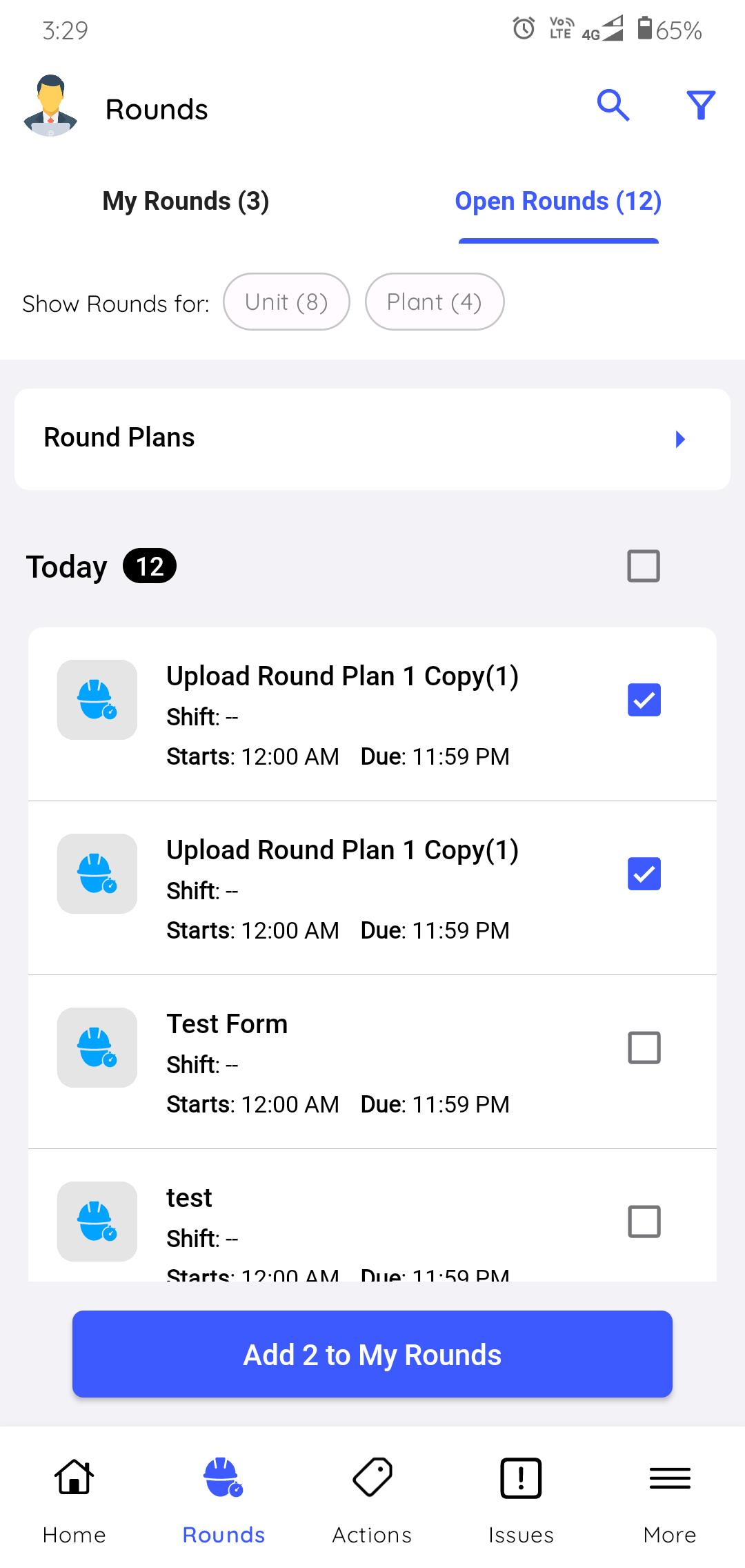
The round is assigned to you and appears in the My Rounds tab.
Next: Open the round from My Rounds and execute it.