
Unassign a Round That Is In Progress
Unassign a round already in progress only when you cannot continue it. Recorded data is retained and the round becomes available for another Operator.
To unassign an In Progress round:
-
Tap the More
 icon and select Unassign
Round.
icon and select Unassign
Round.
Figure 1. Unassign In-progress Round 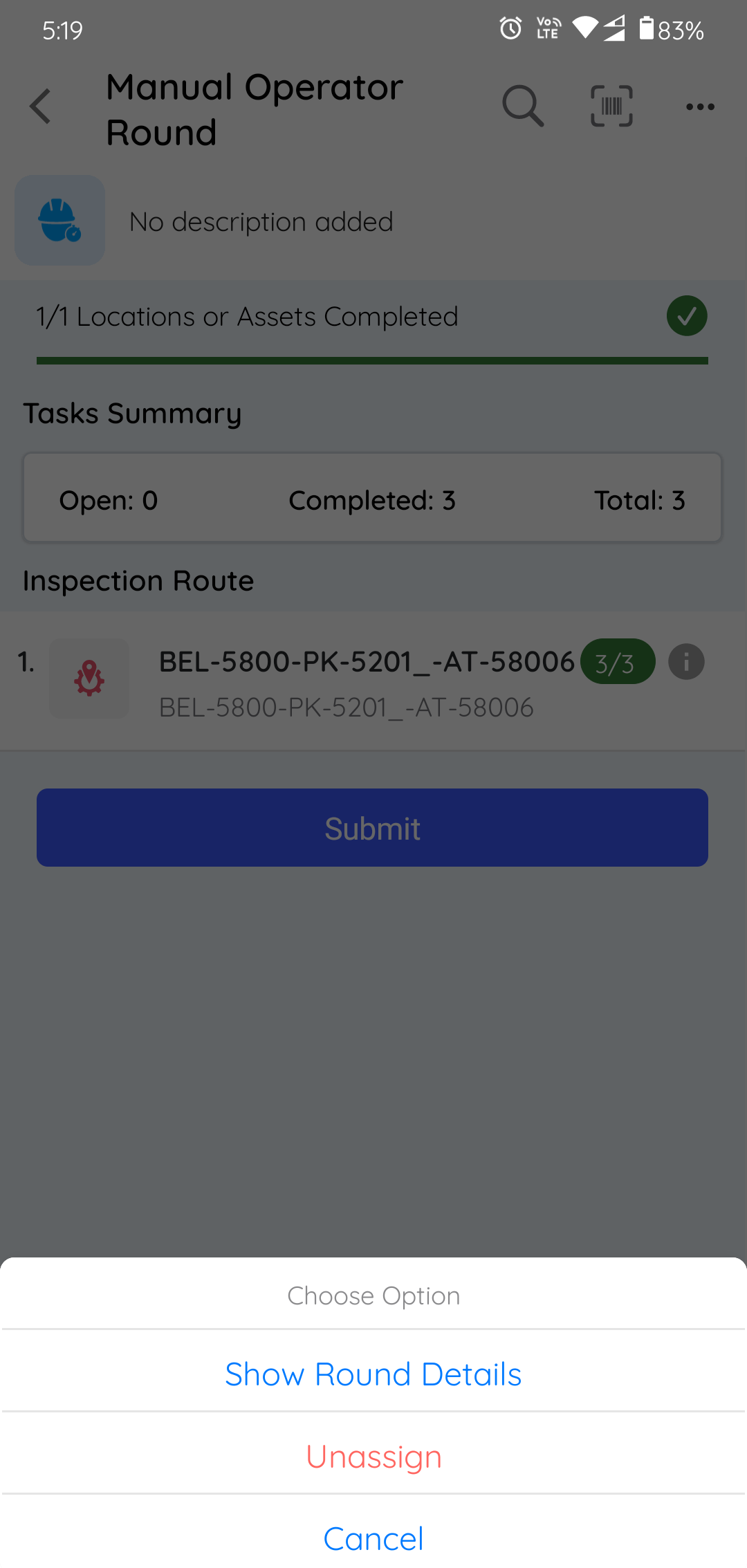
A confirmation message appears.
The data you already recorded is saved. The round is displayed with Partly Open status, marked incomplete, and made available for another operator.
Next: Return to Find and Claim Your Rounds and continue with the work you can complete.