
More
The More screen provides access to your profile, app settings, and support resources.
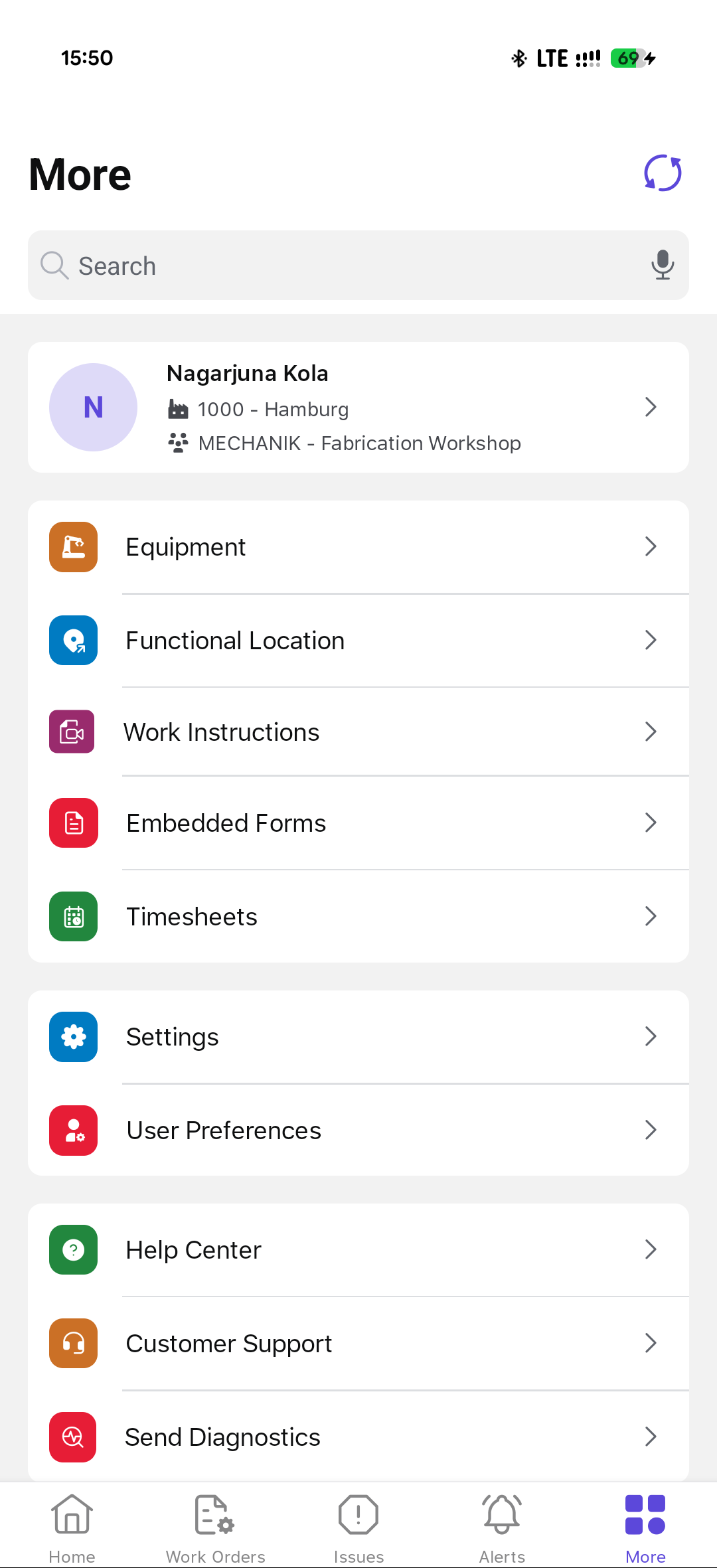
On this screen, you can:
- Manage Equipment & Locations: Add and view equipment and functional locations.
- Fill Out Forms: Access embedded forms for documentation and reporting.
- Track Work Hours: Log timesheets for maintenance activities.
- Customize Settings: Adjust user preferences and application settings.
- Get Support: Access the Help Center, contact Customer Support, or send diagnostics.