
Assign JHA
After a JHA is submitted, it moves to the Assign stage. At this stage, the JHA Owner assigns the JHA Team responsible for field validation.
To Assign JHA:
- Navigate to EHS → JHA from the left navigation panel.
- Click the Pending Assignment or Total JHA tab and select the JHA that needs to be assigned.
- Click Assign.
- In the Assign Team screen, select the required team members from the dropdown list.
-
Add any necessary comments and click
Done.
Figure 1. Assign JHA 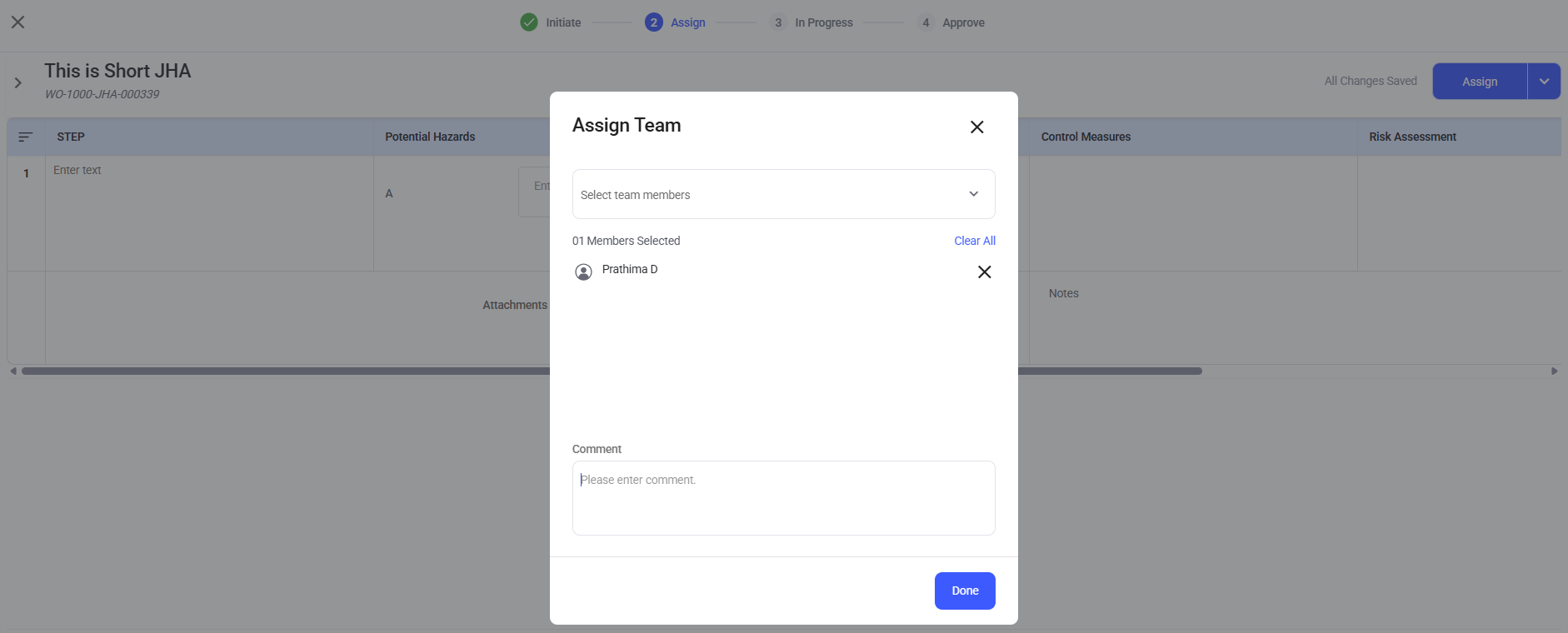
The JHA is now assigned to the selected team and moves to In Progress stage.