
Self-Assign an Unassigned Action
Assign an open Action to yourself when you are taking responsibility for completing the follow-up work.
To self-assign an unassigned Action:
-
In the Open Actions tab, open an unassigned action.
The Action opens showing its chat box and log history.
Figure 1. Actions Log History 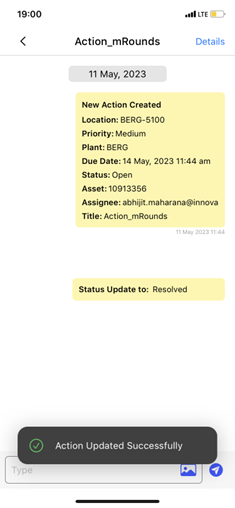
The Action is assigned to you, its status is In Progress, and it appears in the My Actions tab.
Next: Record progress while completing the follow-up. After the work is complete, resolve and close the Action.