
Hand Over a Shared Device to the Next Operator
On a shared device, sign out the previous Operator before the next Operator signs in. This keeps work, preferences, and handover responsibility tied to the correct user.
The outgoing operator is on the App Passcode screen.
When and why: Use this when the device stays on-site and is passed to the next operator, instead of each operator carrying a personal device.
When the outgoing operator signs out, the app displays the Passcode screen for that user. To hand the device to the next operator:
-
On the App Passcode screen, tap Sign out.
Figure 1. Sign Out to Hand Over the Device 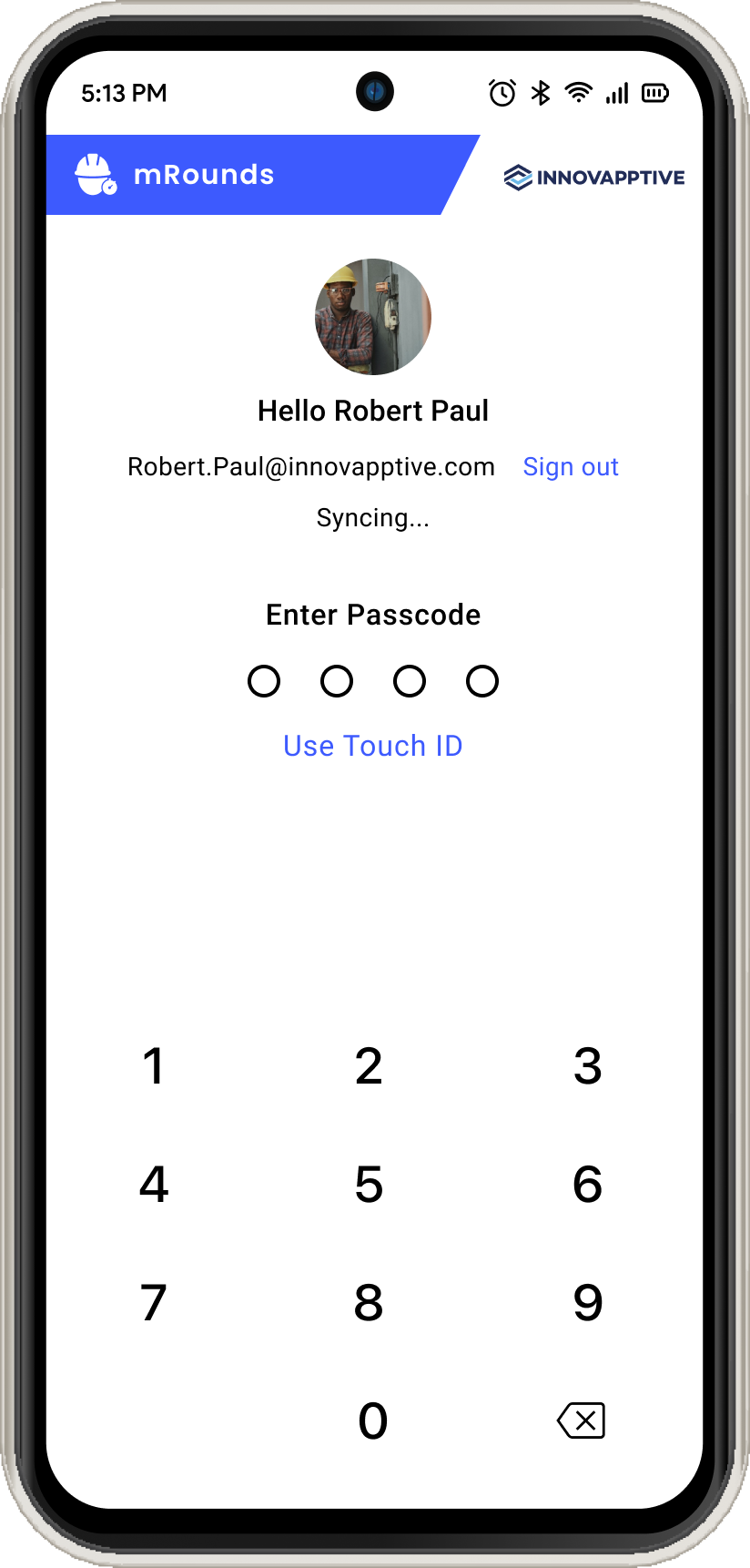
The previous operator is signed out, and the incoming operator can sign in with their own credentials.
Next action: The incoming operator should review and accept the shift handover report before starting any round. See Accept the Shift Handover Report.
Related tasks: Log in for the First Time and Accept the Shift Handover Report.