
Create Round Plans from Existing Ones
Copy an existing round plan when most of its content already matches the new inspection. Update the copied plan before publishing or scheduling it.
To copy an existing round plan and create a new one:
-
Click
 and select Copy for the selected
round plan.
and select Copy for the selected
round plan.
The copied round plan is displayed in the list with draft status.
Figure 1. Copied Round 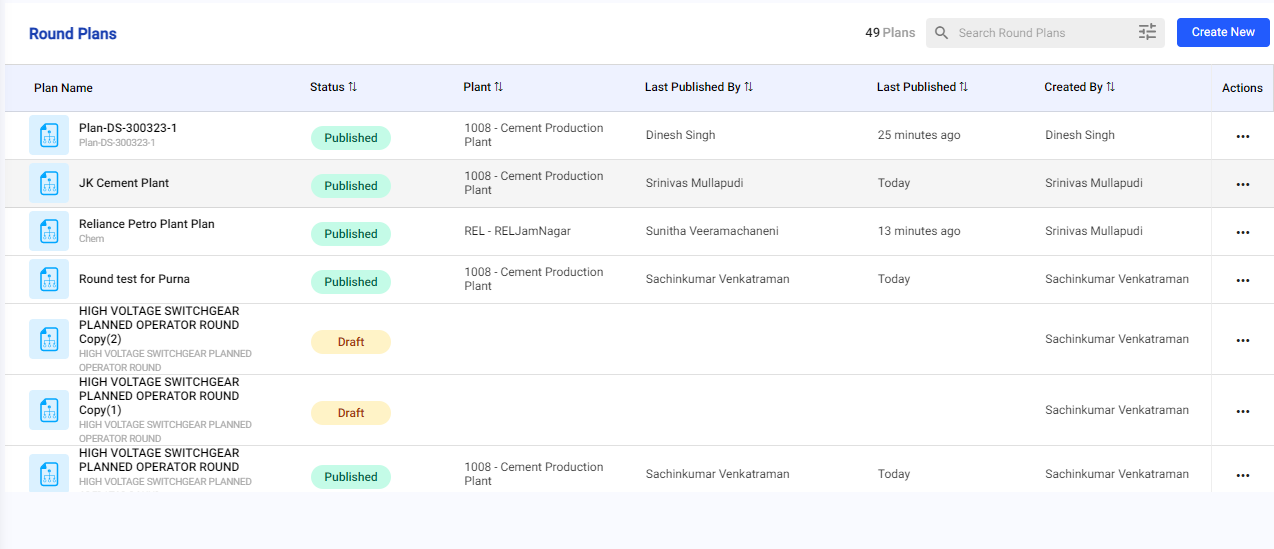
Next: Review the copied plan and update its locations, assets, sections, and tasks before previewing it.