
Update round plans in bulk
Export, edit, and re-upload round-plan data when many plans require the same type of change. Bulk update helps keep large sets of plans consistent.
You can export existing round plans to Excel and update them in bulk. This helps reduce effort when you need to make a large number of updates when new assets, route changes, are updated or component updates, or logic changes happen.
To update round plans in bulk:
-
Select the updated excel.
Figure 1. Bulk Update Round Plan 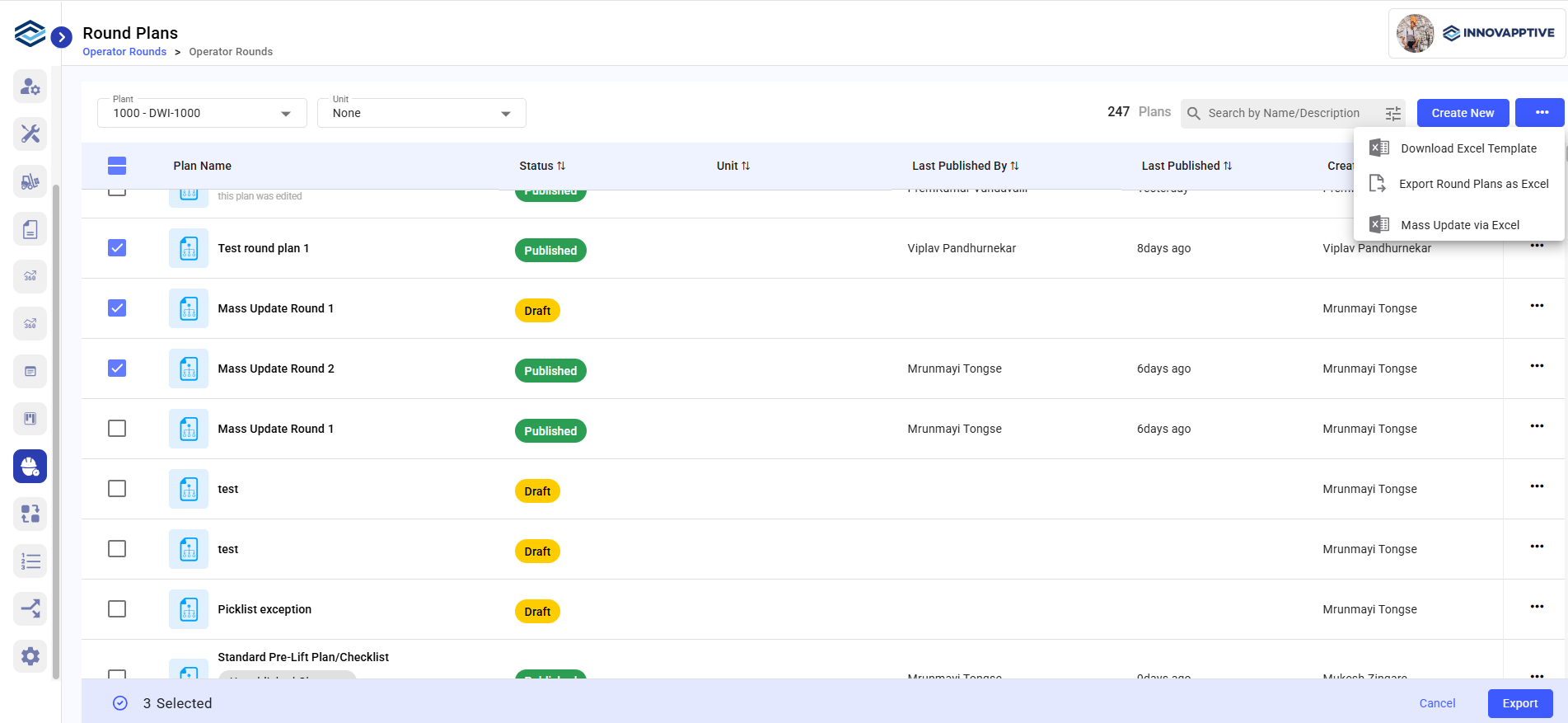
Valid changes from the uploaded file are applied. If any rows fail, the error file identifies the records that need correction.
Next: Review the updated plans and preview the mobile experience before publication.