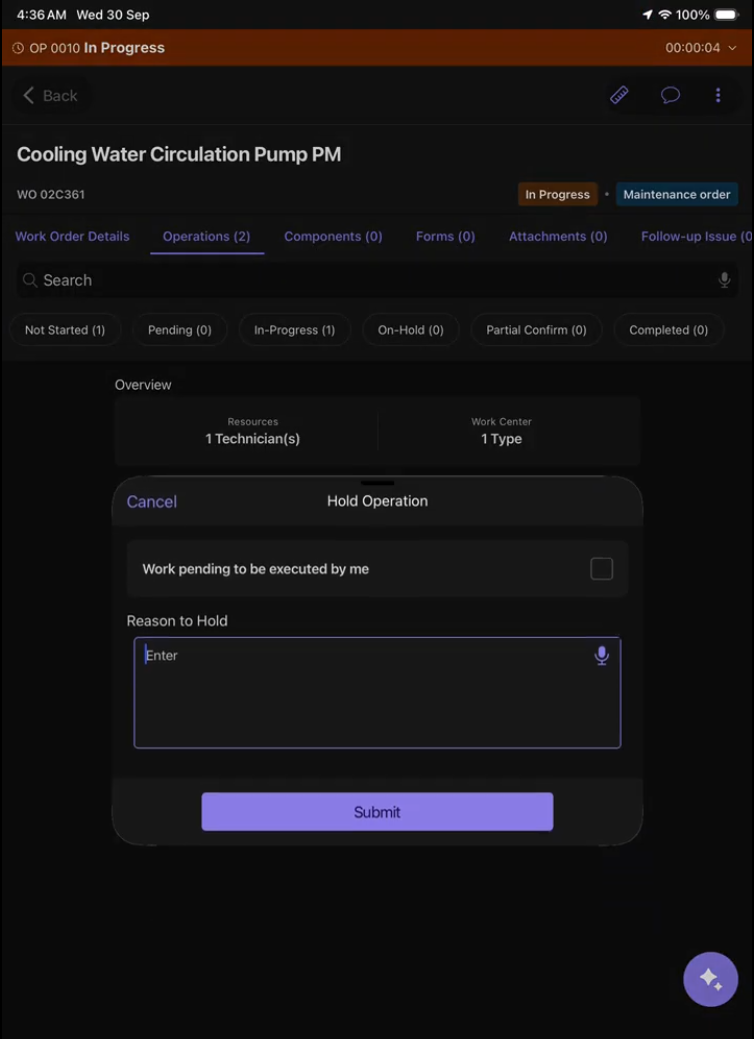
Put Work on Hold
Put a Work Order, Activity, or Task on hold when work needs to pause, and record the reason when required.
-
Confirm the status change.
Only status actions available for the current Work Order status and your role are displayed. The selected reason is saved with the status change for audit purposes. If the status update cannot be submitted, your selection is retained so you can retry. Changes made offline sync when connectivity is restored.