
Share a Submitted Round PDF
Share a submitted-round PDF after reviewing it for accuracy. The report gives stakeholders a record of the inspection and its findings.
Open the submitted round in PDF View first. See View a Submitted Round as a PDF.
To share a report in PDF format with stakeholders:
-
In the PDF View tab, tap the Share
 icon.
icon.
Figure 1. View Round in PDF Format 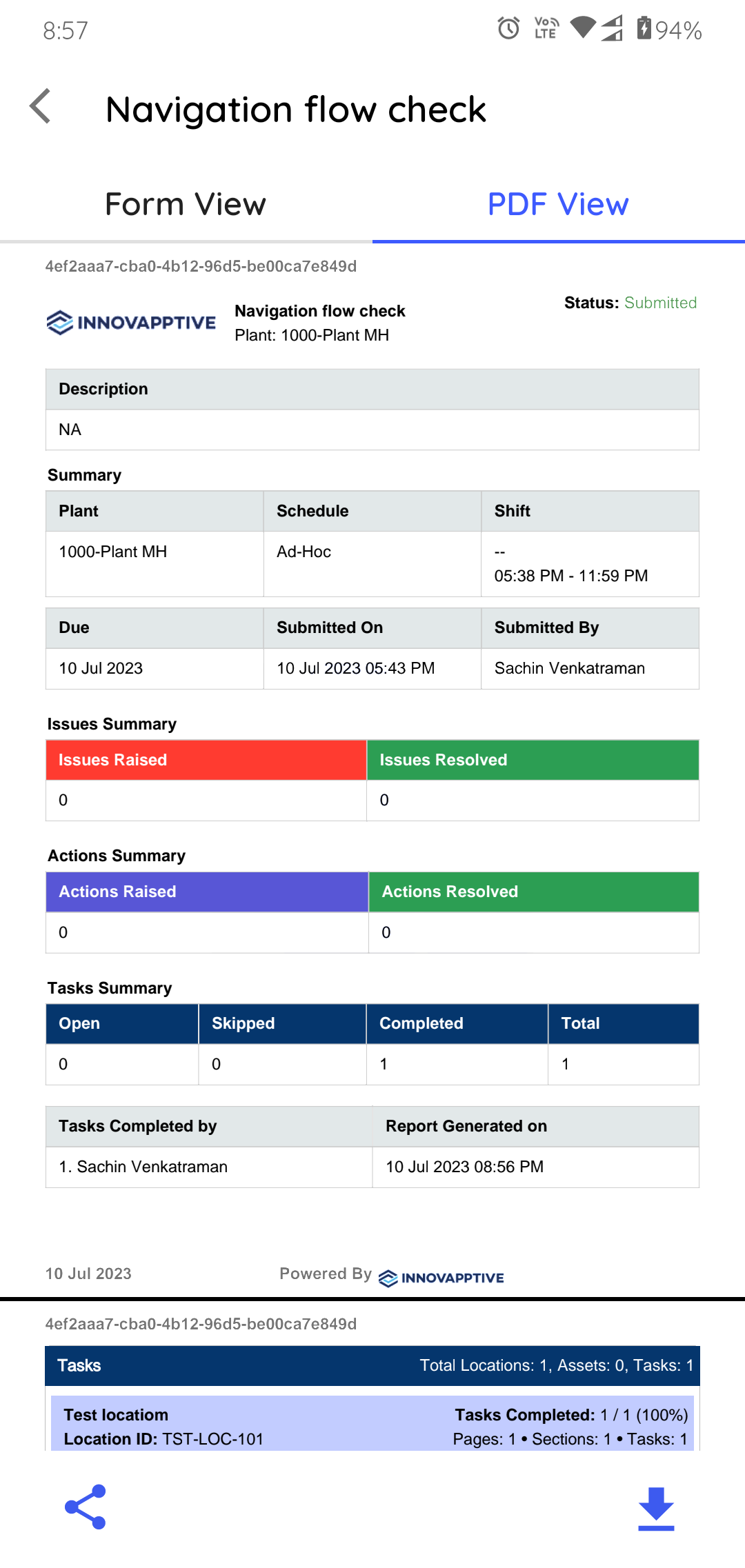
- Optional:
To save a copy on your device, tap the Download
 icon.
icon.
You can configure the PDF in the web application as needed.