
Control Access to Shift Handover Templates
Control which users can access and manage Shift Handover templates for a plant. Permissions keep configuration responsibility with the correct roles.
-
Select a user from the Users Who Can Perform Handover
drop-down.
Figure 1. Shift Handover Data Permissions 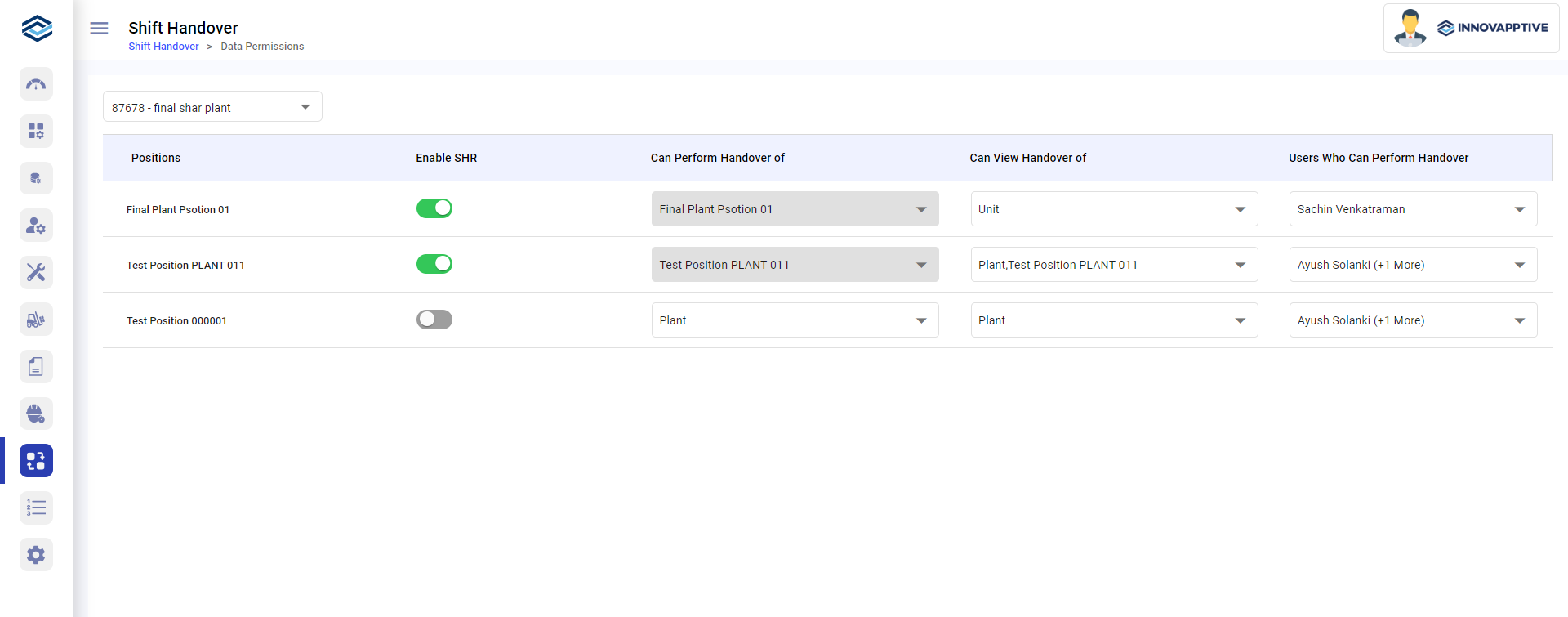
The selected users can view and perform handovers for the chosen plant, unit, or position. Other users cannot.