
Create an Emergency Work Order
Create an Emergency or Breakdown Work Order when an asset malfunctions and needs immediate attention.
To create an emergency work order:
-
Tap the More
 icon in the top-right
corner and select Raise Breakdown Work Order.
icon in the top-right
corner and select Raise Breakdown Work Order.
Figure 1. Raise Breakdown Work Order 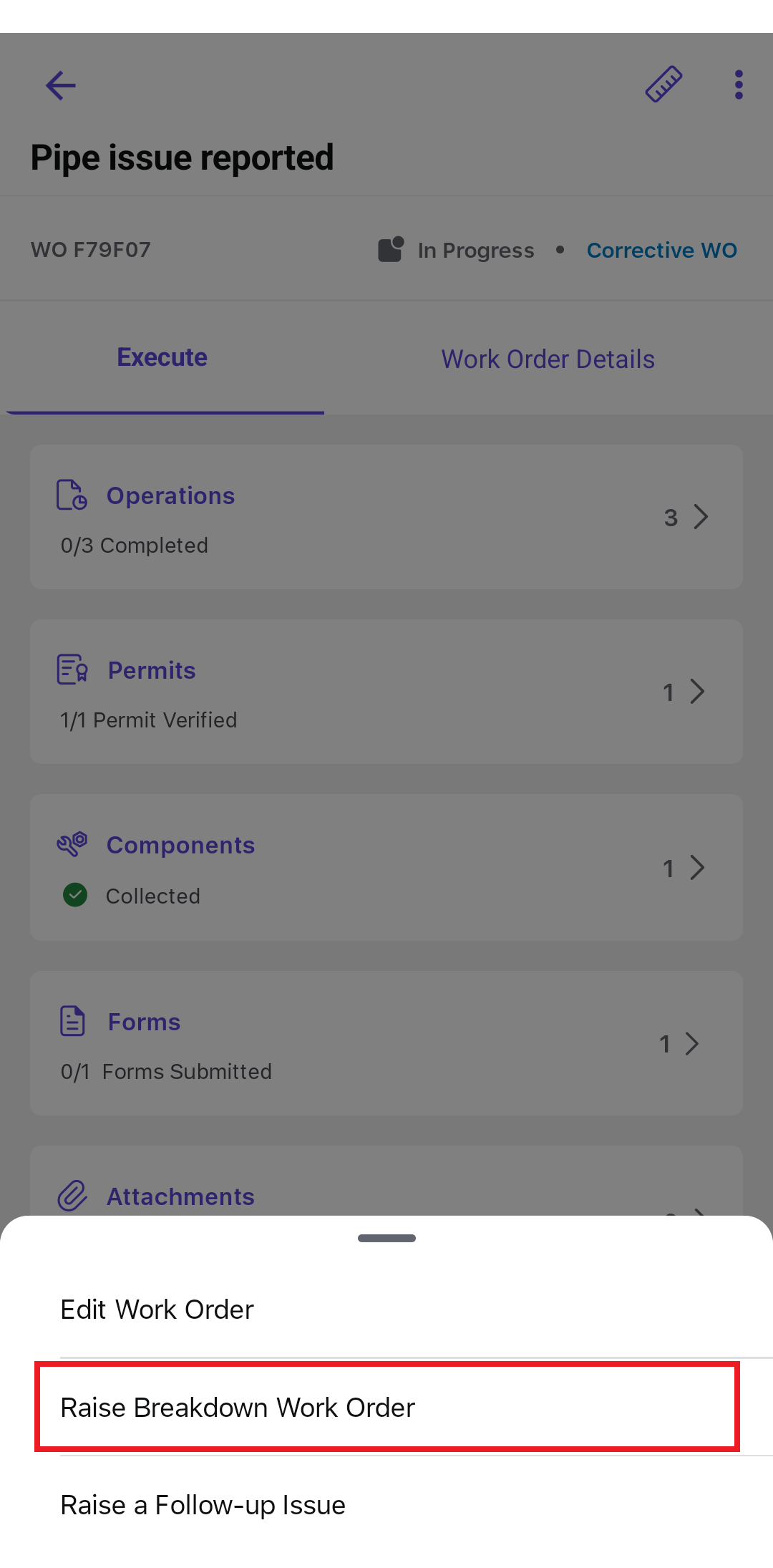
The breakdown or emergency work order is created from the source work order according to the available permission.
Next: After creating the emergency work order, return to the active Work Order Execution journey.