
Start an Operation
After reviewing the required permit, JHA, Work Instruction, components, and forms, start the assigned operation to begin execution tracking.
See Operation Status, Confirmation, and Timesheets for how starting an operation relates to confirmation and timesheets.
-
Tap Start Operation.
Figure 1. Start Operation 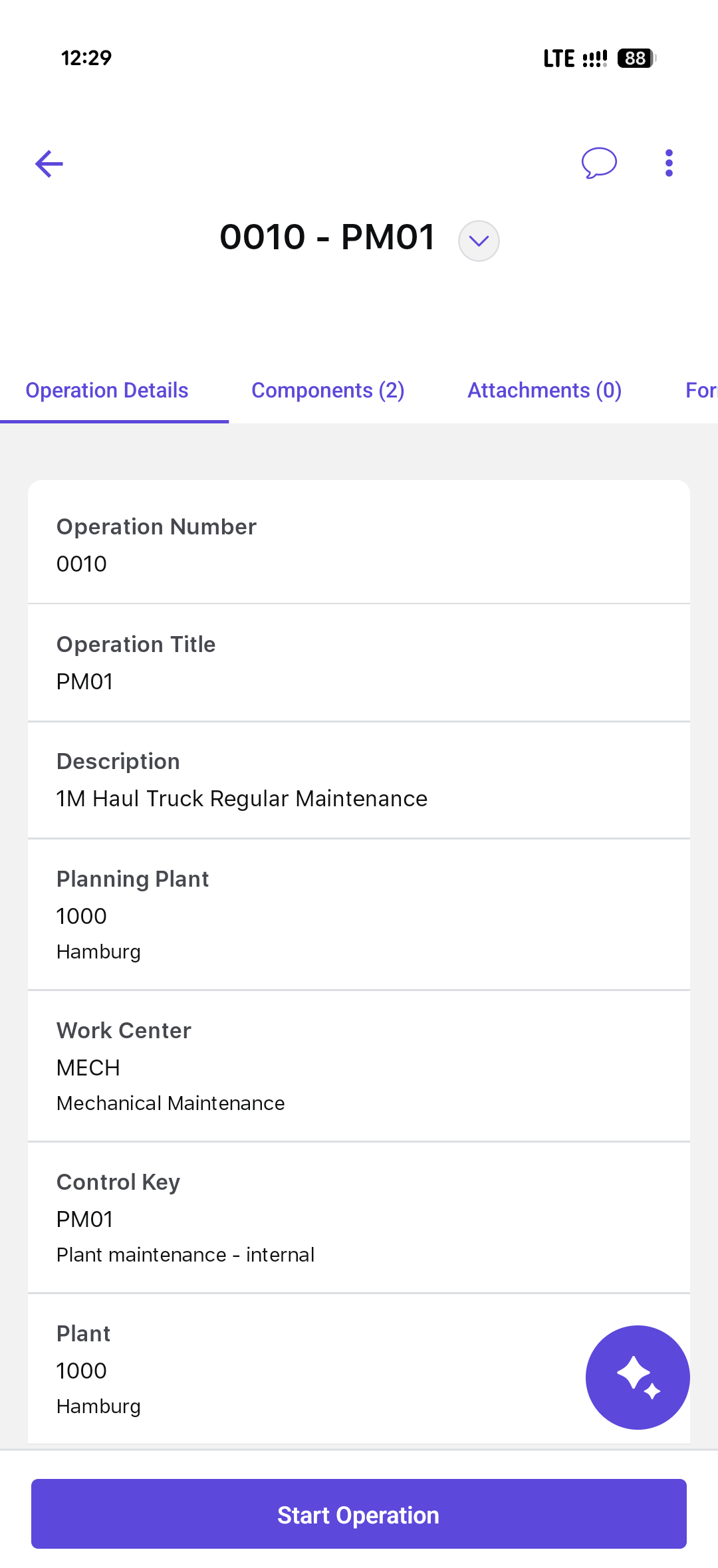
The operation changes to In Progress and execution tracking begins. Perform the assigned work and complete the records shown for the job.
Next: After performing the work and required checks, end and confirm the operation.