
End and Confirm an Operation
When the assigned work is complete, end the operation and confirm the execution details before submitting time.
See Operation Status, Confirmation, and Timesheets for how confirmation relates to timesheet submission and work-order completion.
-
Tap End Operation once the operation is
completed.
Figure 1. End Operation 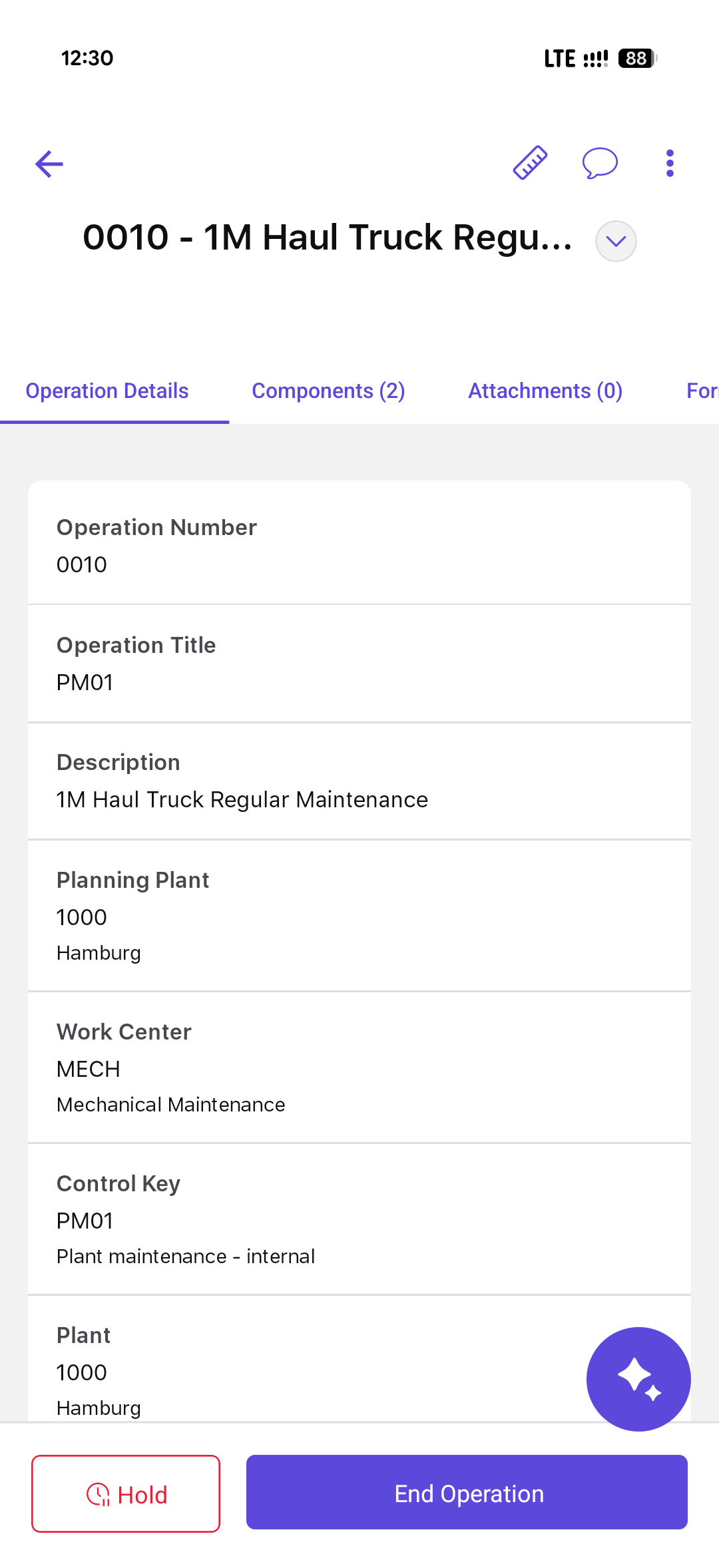
-
In the End Operation screen, review and complete the
following:
- Technician: Select technician from the list, if not automatically selected.
- Data Entry Profile: Select data entry profile from the list.
- Actual Start Time: Select actual start date and time.
- Actual End Time: Select actual end date and time.
- Total Duration: Default.
- Comments: Add comments if any.
Figure 2. Log Timesheet 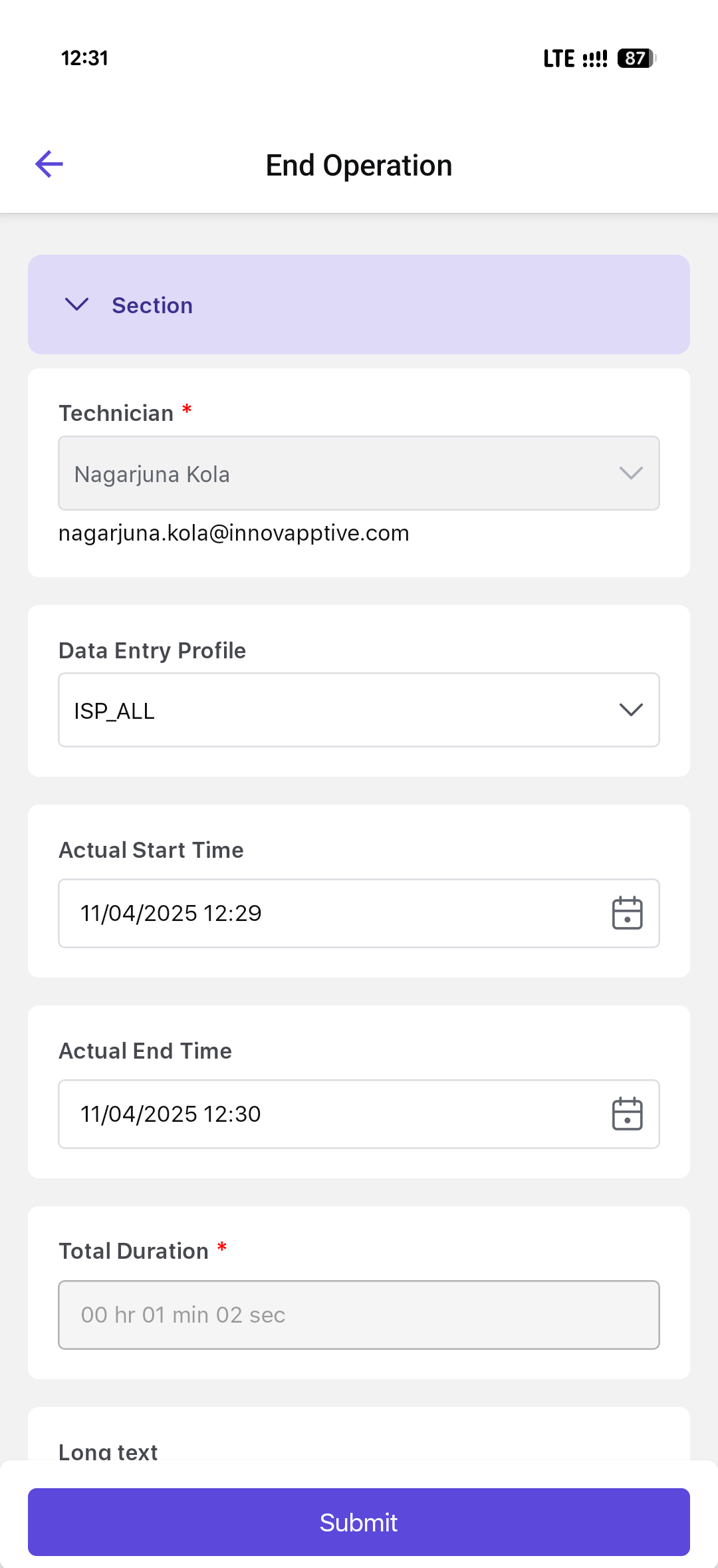
The operation is confirmed with the recorded execution details. Surrender the permit when applicable, then submit the recorded work time.