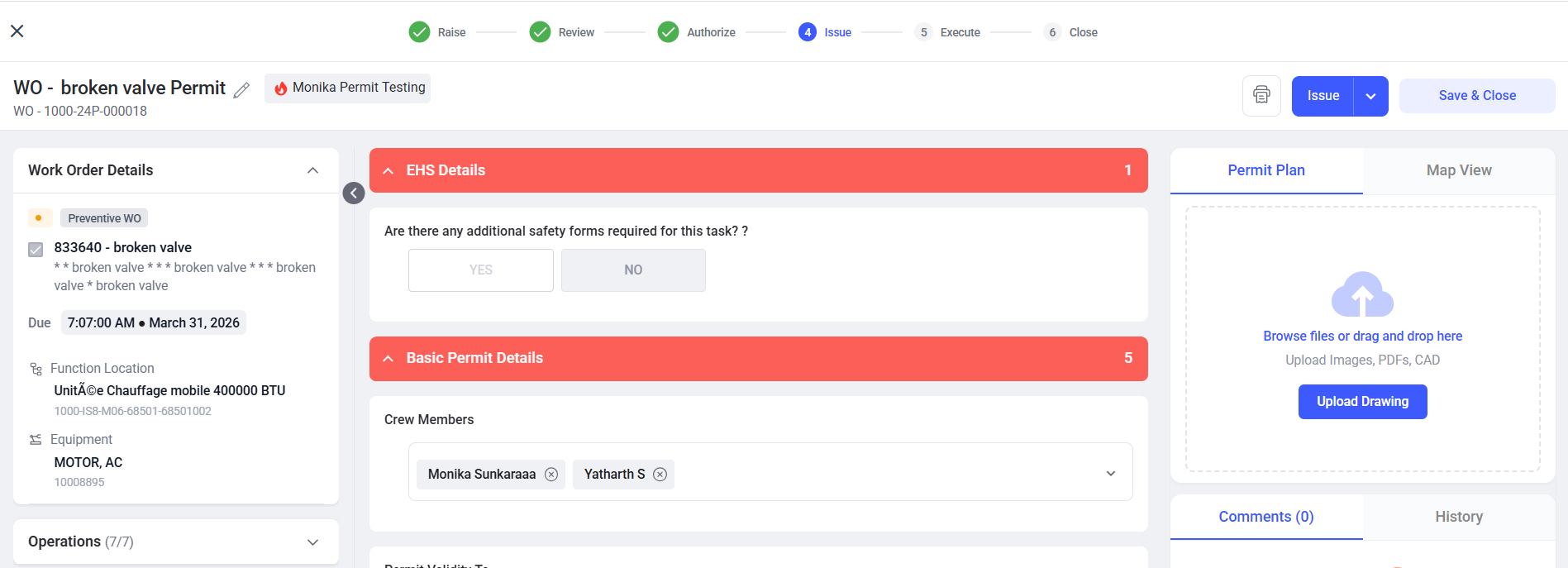
Issue the Permit
After a permit is authorized, it moves to the Issue stage. In this stage, the Issuer verifies site readiness and ensures all safety conditions are met before allowing work to begin.
In this stage, the issuer can perform one of the following three actions:
- Issue Permit
- Hold Permit
- Reject Permit
Issue Permit
Follow the steps below to issue the permit:
- Navigate to EHS → Permits from the left navigation panel.
- Click the All Permits or Pending Issue tab.
- Select the permit to issue.
- Review all permit details.
- Verify safety controls.
- Confirm environmental and site conditions are safe.
-
Click Issue to move the permit to the next stage.
Figure 1. Issue the Permit