
Modify a Scheduled Round Plan
Modify a future schedule when shift timing, assignment, frequency, or operational requirements change. Review the effect on future generated rounds.
Use the steps below to change a schedule that is still running.
If the schedule has ended: Set a new schedule on a round whose configured schedule has ended, instead of building the inspection again. An inspection that must run again against the same assets and tasks can reuse its existing plan instead of being rebuilt.
Rounds that have reached the end of their schedule are highlighted in the list so you can pick them out. Each one carries a Reschedule control. The existing scheduling parameters are brought forward, so you review and adjust them rather than enter them again. To choose a scheduling method for a new plan, see Choose How to Schedule a Round.
-
Click
 and select Modify
Schedule for the scheduled round to modify.
and select Modify
Schedule for the scheduled round to modify.
-
Click Schedule to save the modified schedule.
Newly generated rounds appear in the Rounds screen within up to one hour. The message on screen states the estimated time, so there is no need to keep refreshing.
Note:If a round plan has task-level sub-tasks, any new conditional logic, such as Ask Tasks/Questions, is automatically added at the task level while you modify the plan. You do not need to revise the task-level schedule again. See Schedule Rounds at Task Level.Figure 1. Modify Schedule 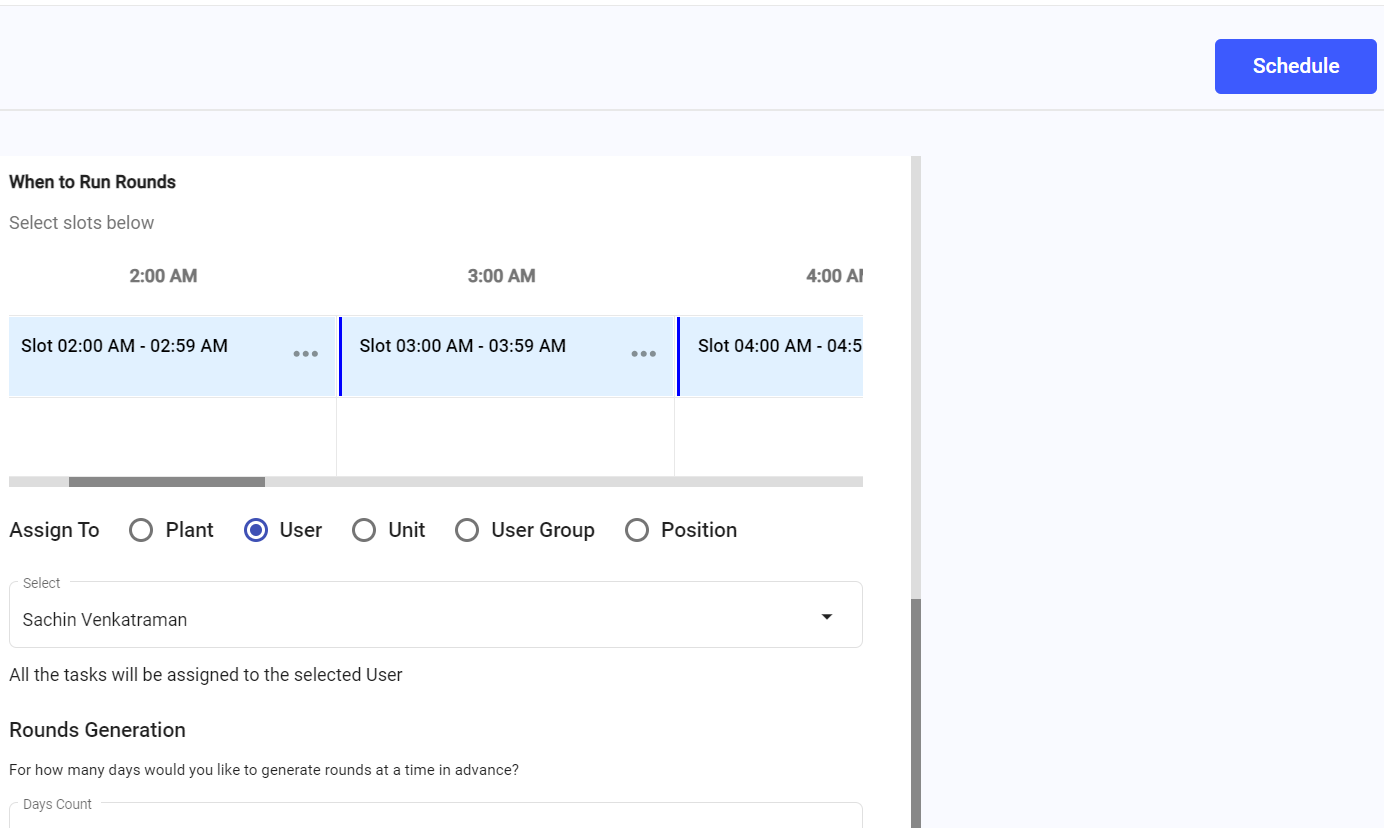
A message appears saying Schedule updated successfully. The changes take effect during the next round generation cycle.
The updated schedule is saved.
Next:Monitor future generated rounds under the updated schedule.