
Raise Permit Using AI
To raise a permit Using AI, follow the steps below:
- Navigate to EHS → Permits from the left navigation panel.
- Select the required plant from the dropdown.
- Click Raise Permit Manually.
-
When using AI, the application automatically populates fields such as
validity period and risk level based on historical data from
equipment with similar operations.
Figure 1. Raise Permit - AI 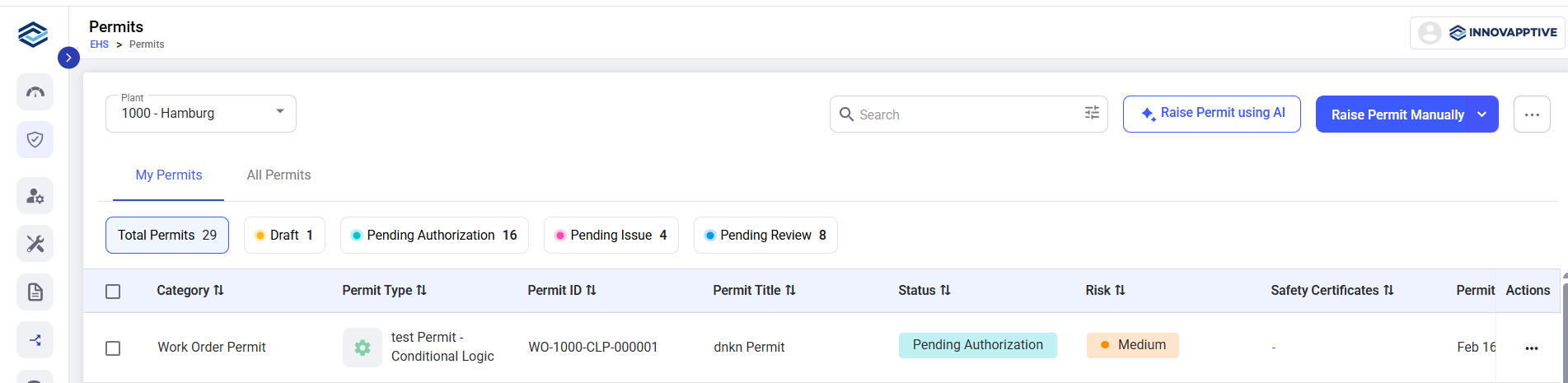
- Continue with the Steps 4 through 12 from Section Raise Permit Manually to complete the permit raise process.